
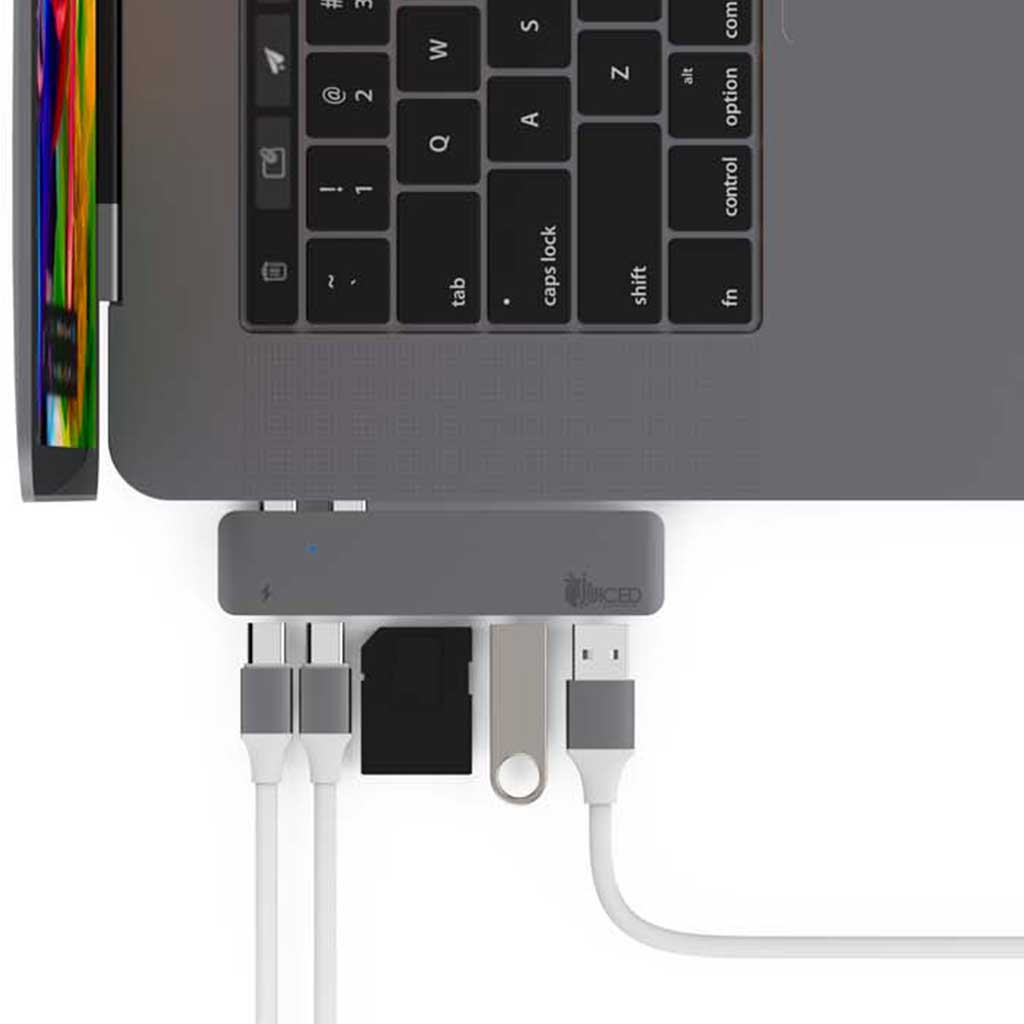
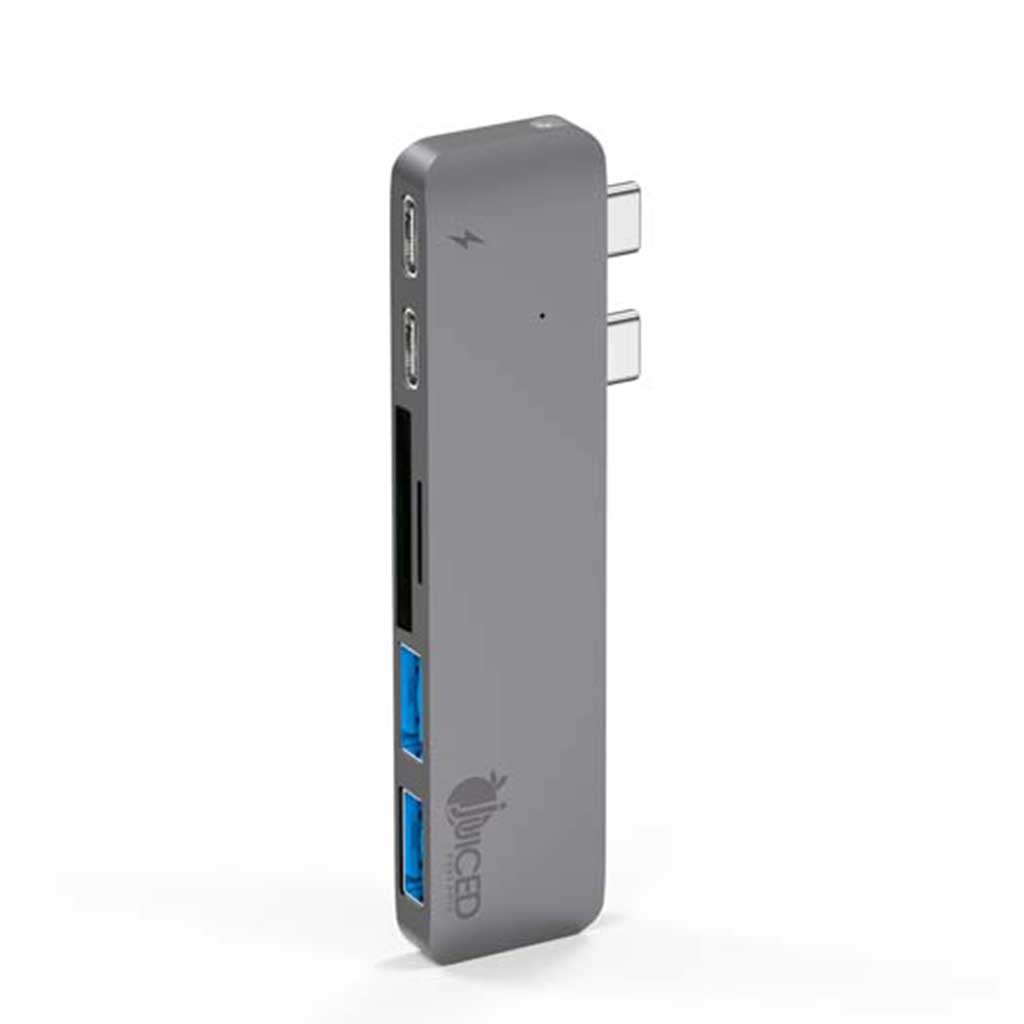
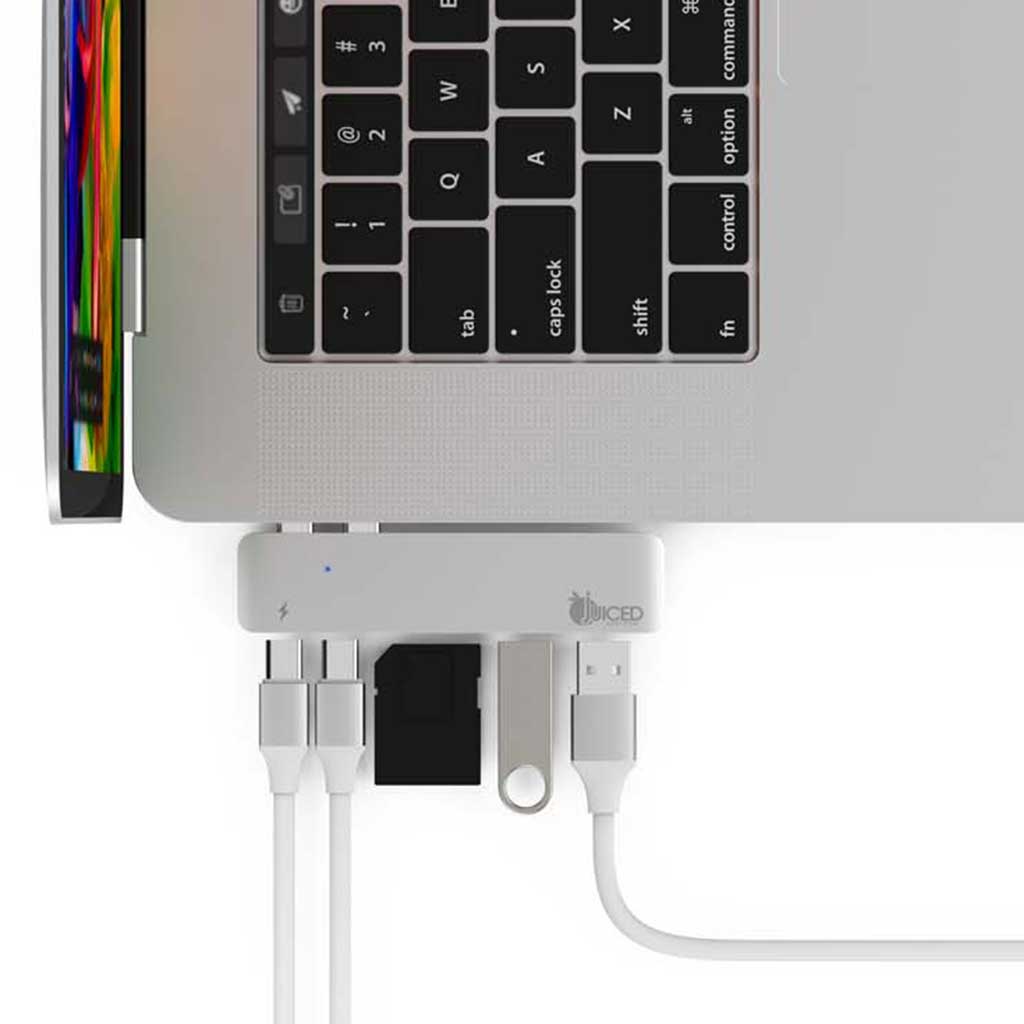
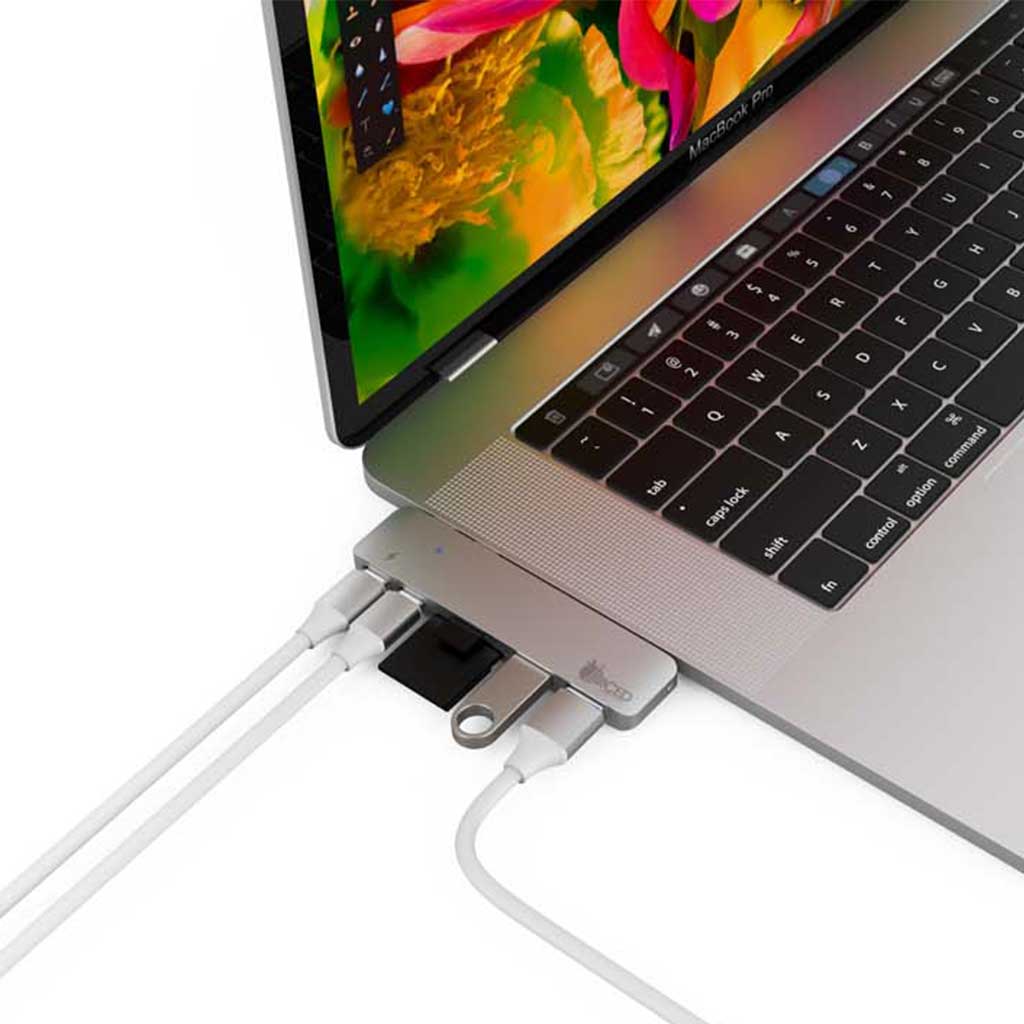
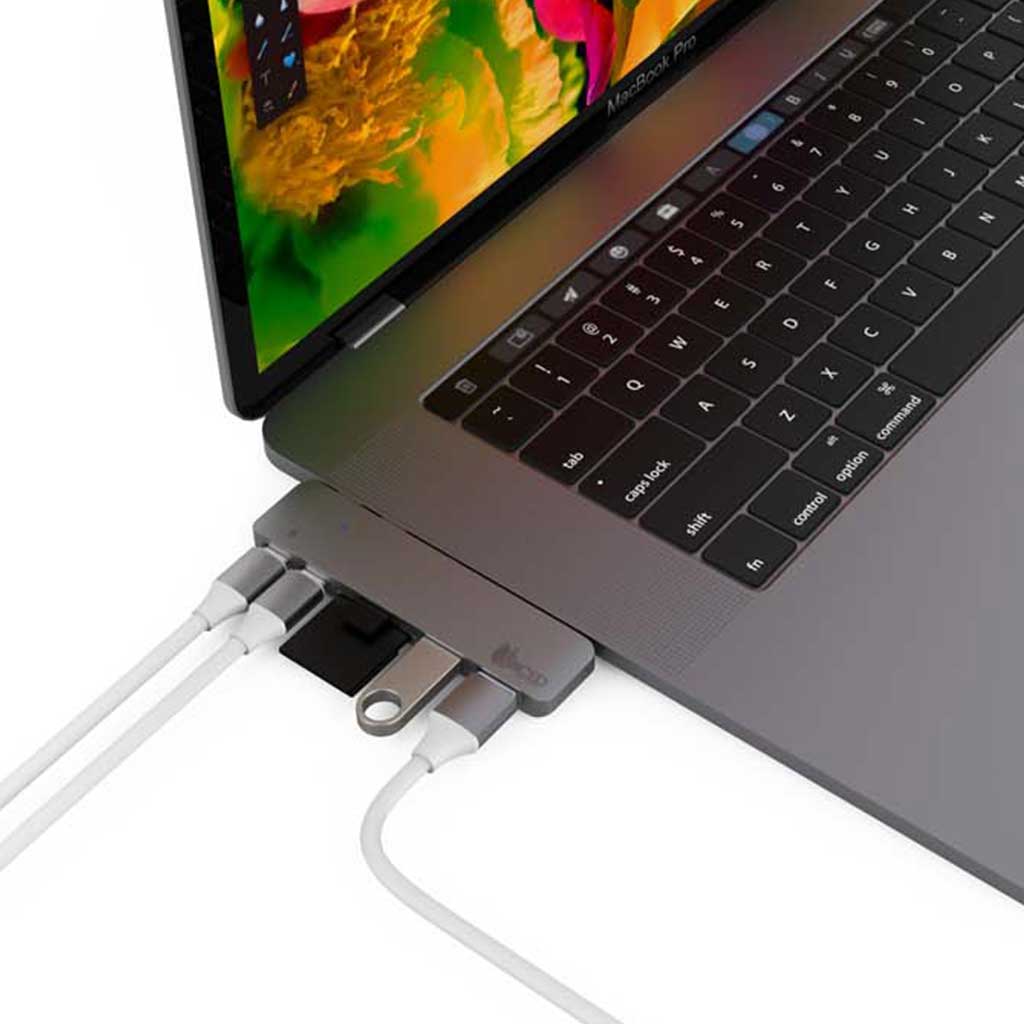
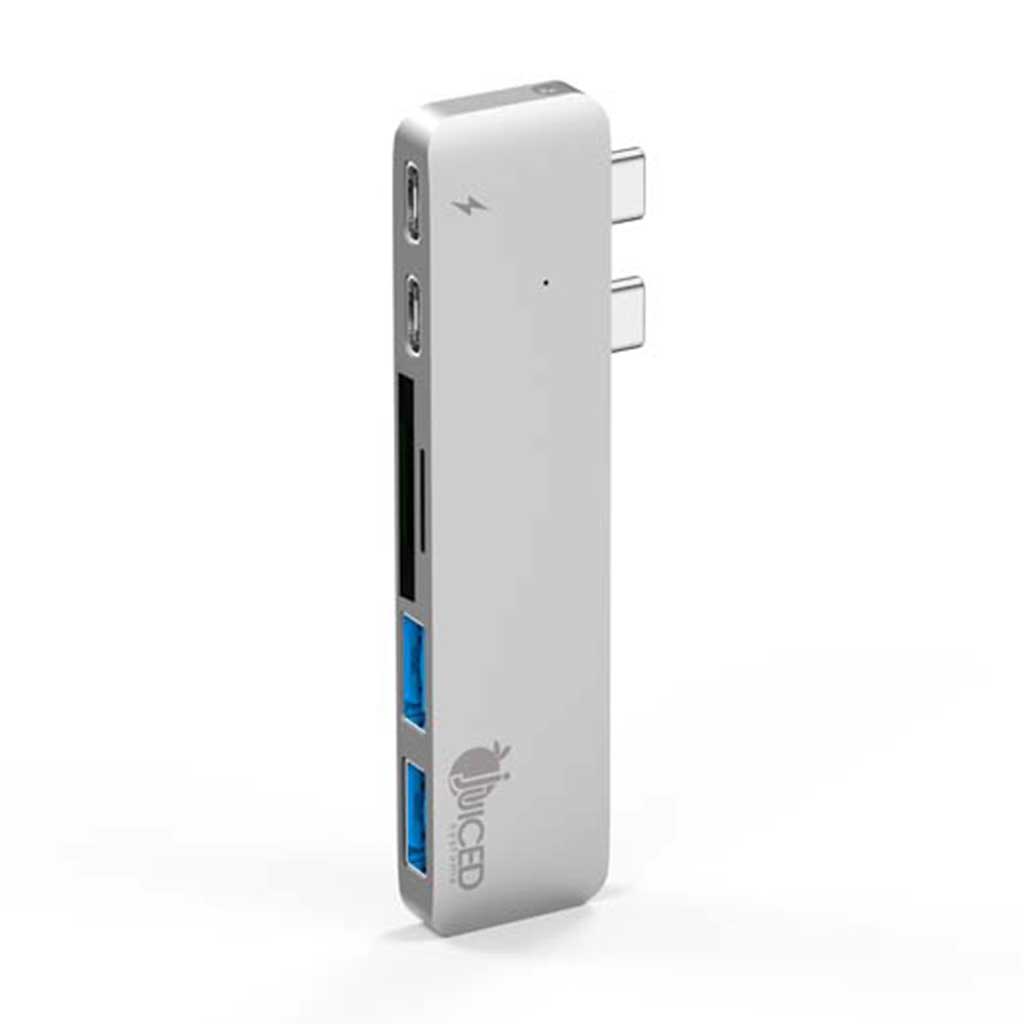
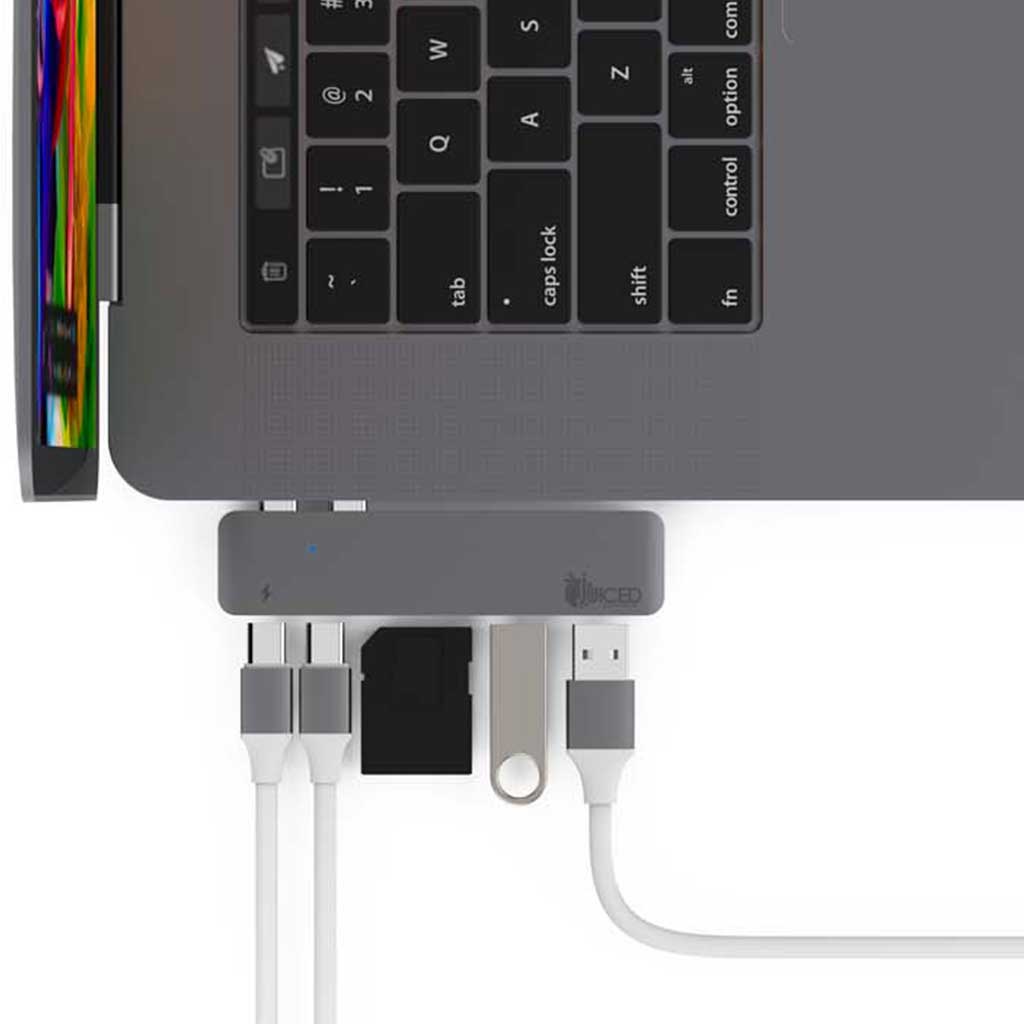
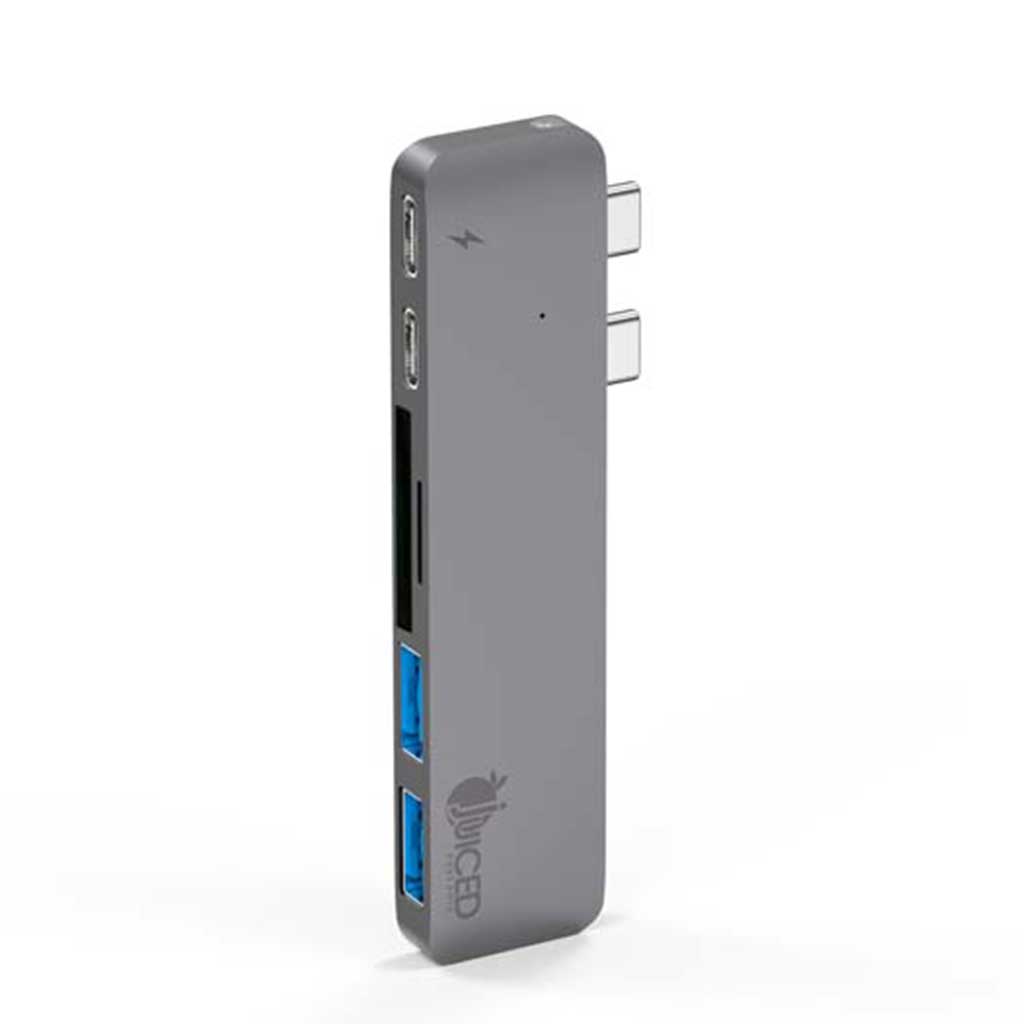
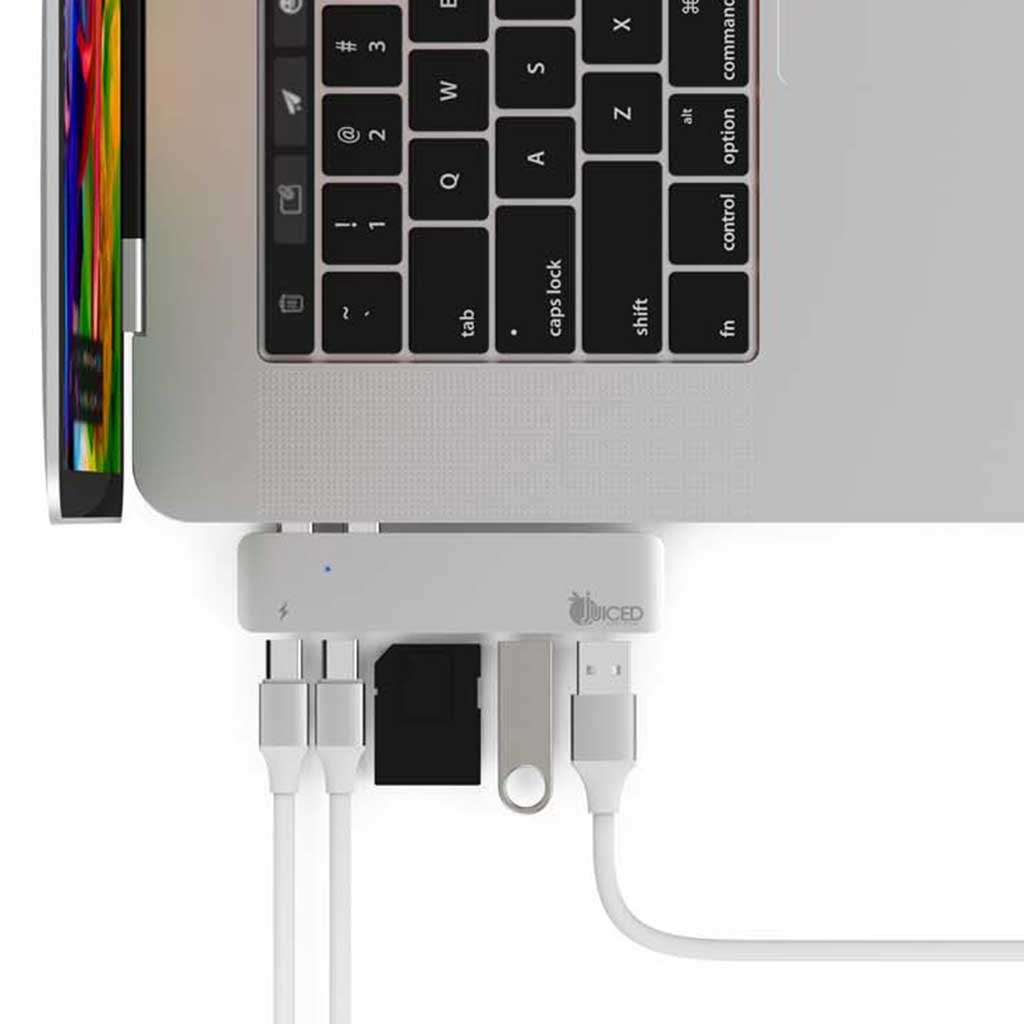
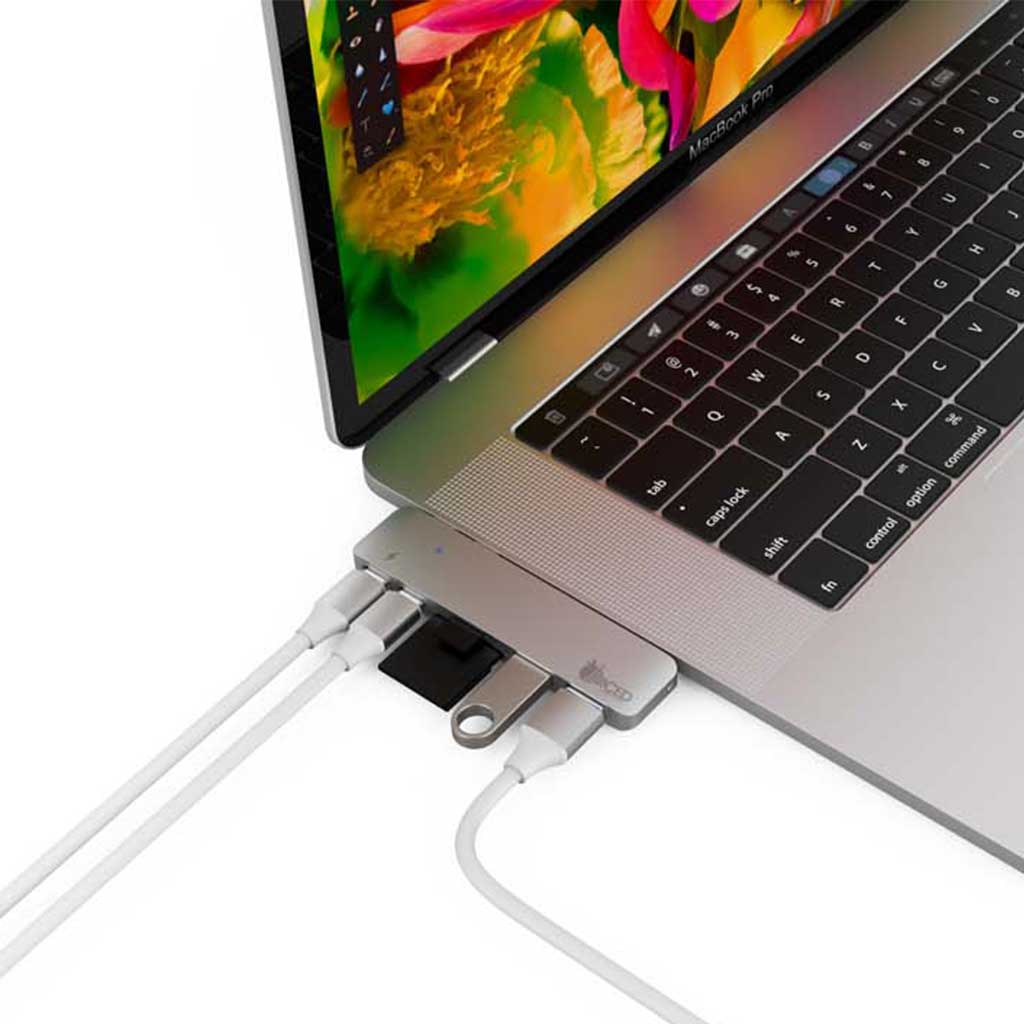
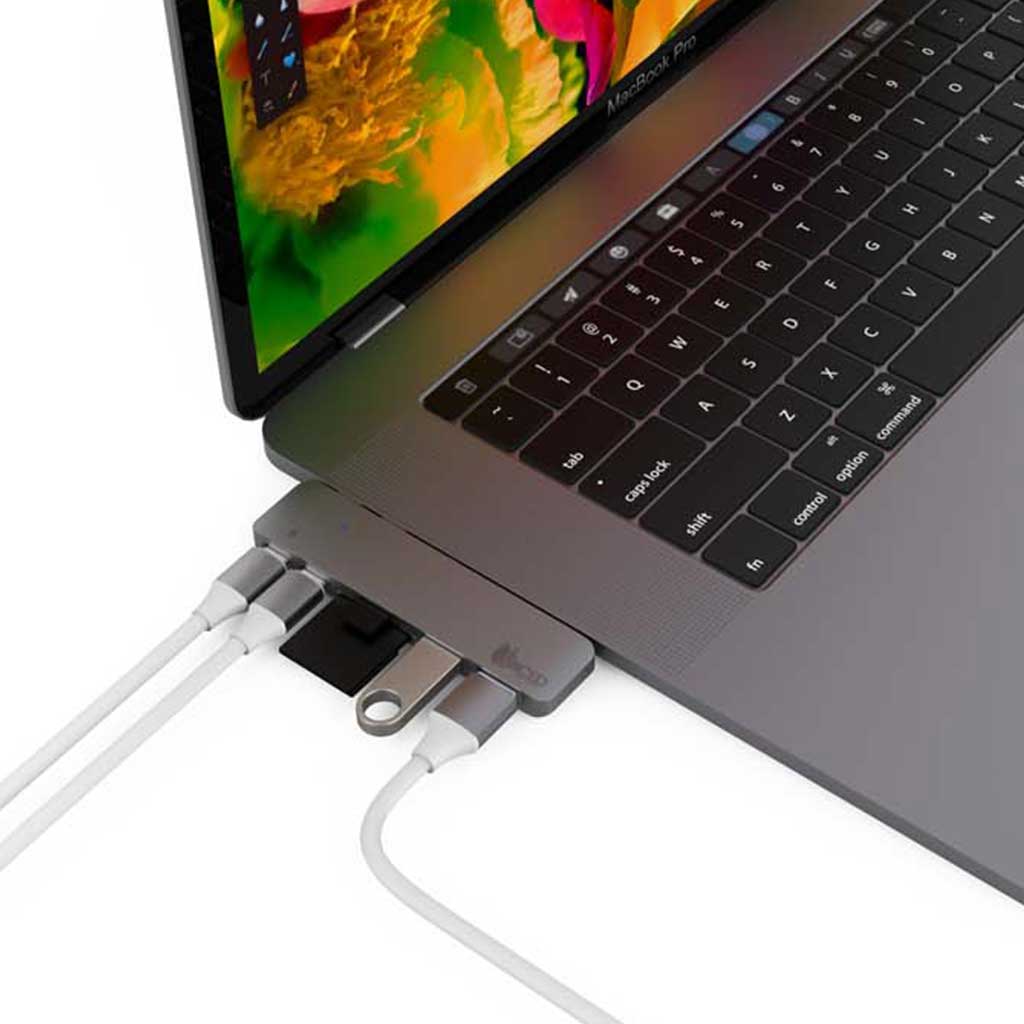
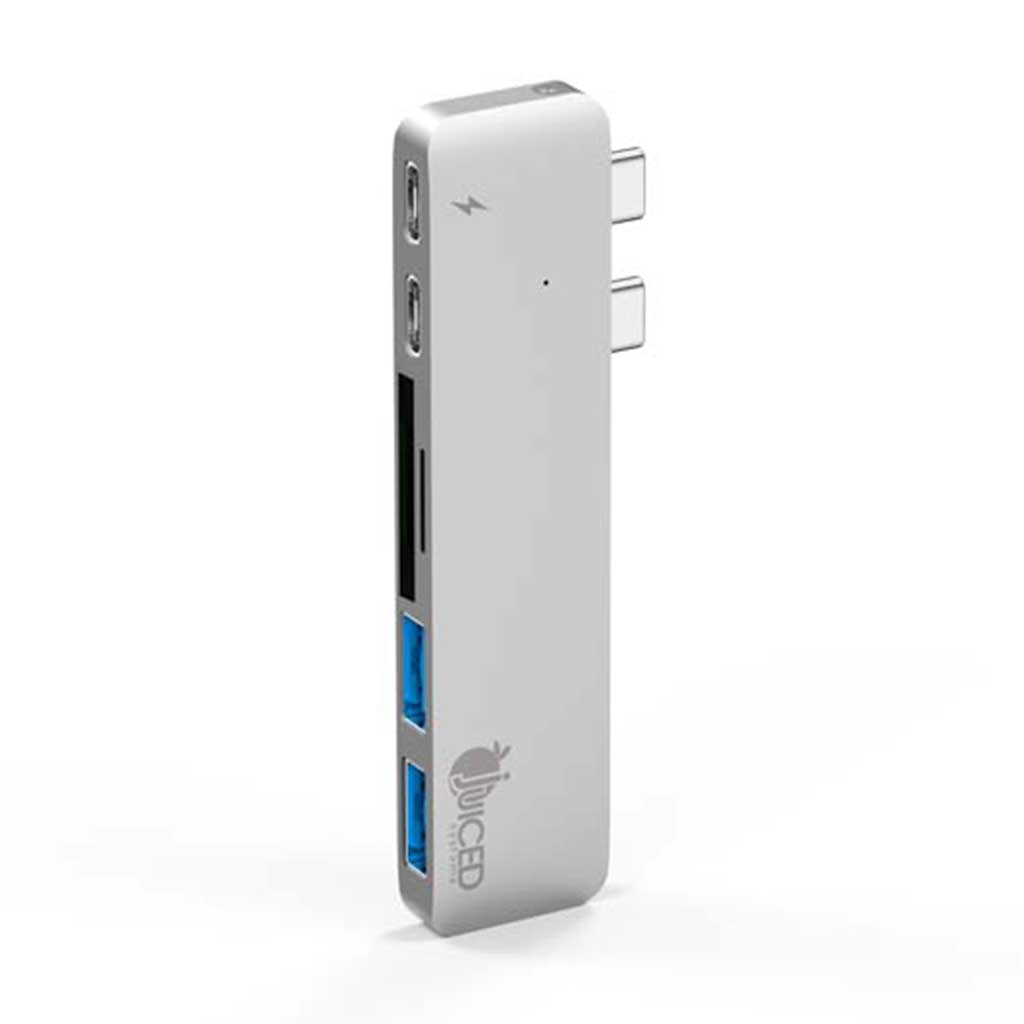
The Juiced Systems 6-in-1 USB-C MacBook Pro Adapter is a six-port multiport adapter designed specifically for USB-C MacBook Pro and MacBook Air laptops. The adapter features dual USB-C inputs — one for Power Delivery pass-through charging and one for data — so you never have to choose between charging and connectivity.
| Host interface | USB Type-C (MacBook Pro, MacBook Air) |
|---|---|
| USB-C ports | Dual USB-C (1 × Power Delivery pass-through, 1 × data) |
| Additional ports | USB-A, HDMI, SD/microSD (see product photos for full port breakdown) |
| Housing | Aluminum |
| Drivers | Plug and play |
| Warranty | 1-year Juiced Systems limited warranty |
Can I charge my MacBook through this adapter?
Yes. The dedicated USB-C Power Delivery passthrough port charges your MacBook while the adapter is in use. Use your stock MacBook USB-C charger.
Does it have a USB-C data port for USB-C SSDs?
Yes. One of the two USB-C ports is dedicated to data, so you can connect USB-C SSDs or peripherals directly without an A-to-C adapter.
Does it need drivers?
No. The adapter is plug and play on macOS, Windows, Chromebook, and Linux.
Need a full professional adapter with more specific spec detail? See the BizHUB Pro (100 W PD + dedicated USB-C data) or the NovaHUB (4K@60Hz + 10 Gbps). Browse all MacBook adapters.
Both are excellent USB-C hubs for MacBook — choose this 6-Port if you need more USB-A ports for legacy peripherals (mice, keyboards, USB sticks, older drives) and dual USB-C for simultaneous charging and data. Choose the UltraHUB if you need 4K HDMI and a slimmer form factor.
Use collapsible tabs for more detailed information that will help customers make a purchasing decision.
Ex: Shipping and return policies, size guides, and other common questions.
Charge your Macbook Pro while expanding periphral ports.
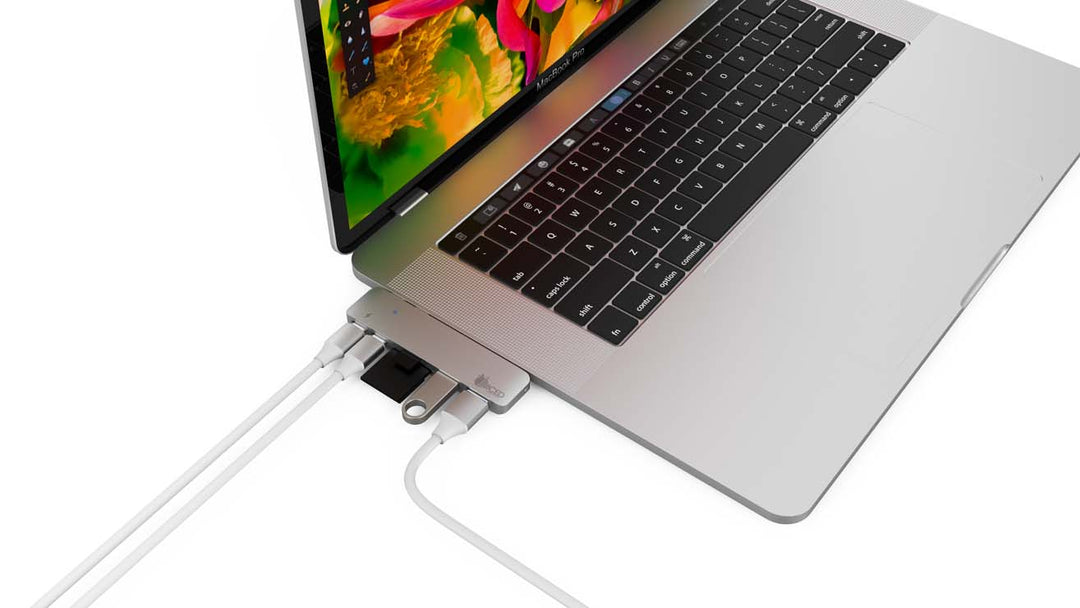
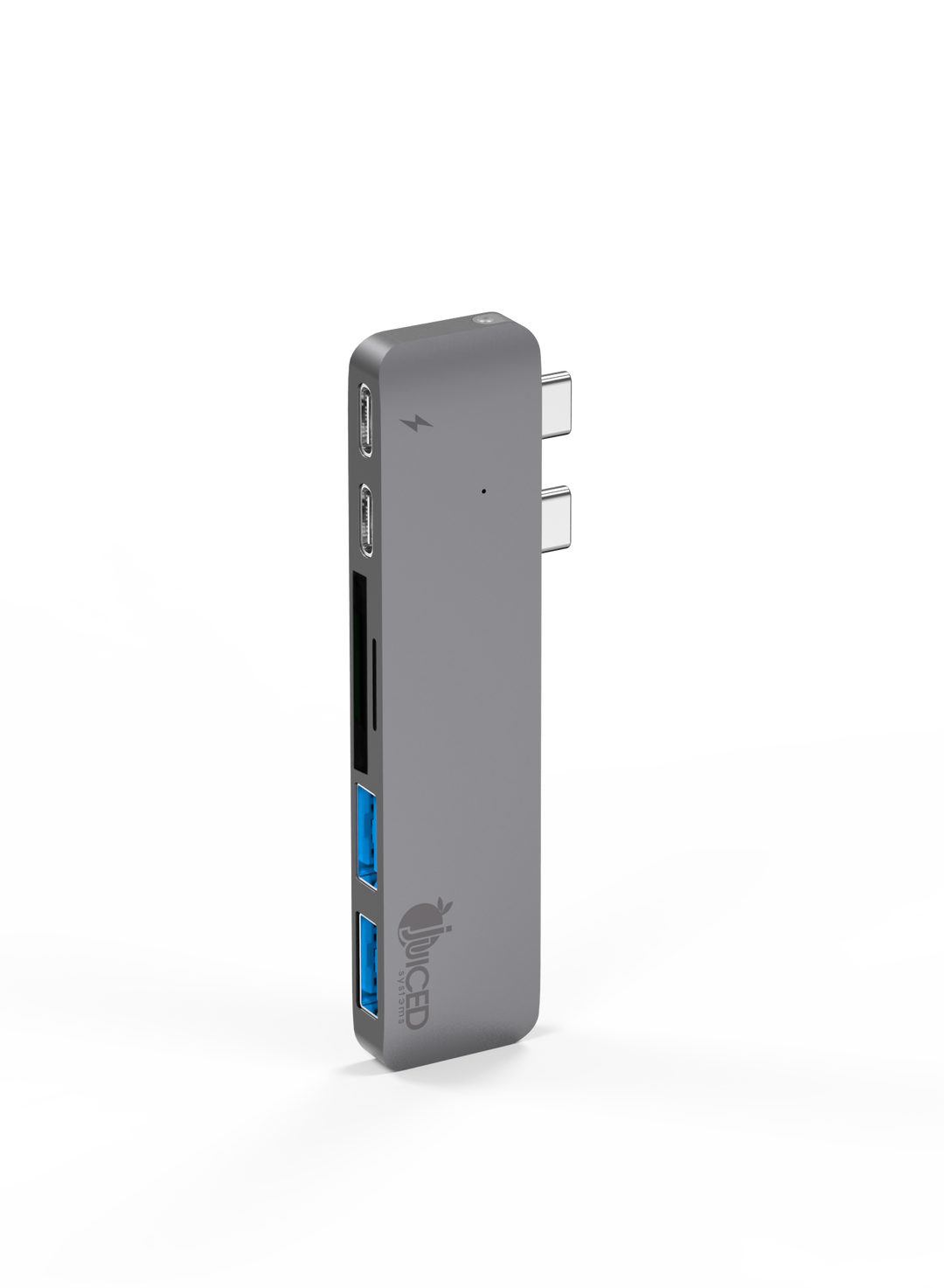
Designed specifically for your Macbook Pro. Quickly and easily expand the USB-C ports on your laptop.