OctaneDOCK - USB-C | USB-A Triple DisplayLink Docking Station
- Worldwide shipping
- In stock, ready to ship
- Backordered, shipping soon
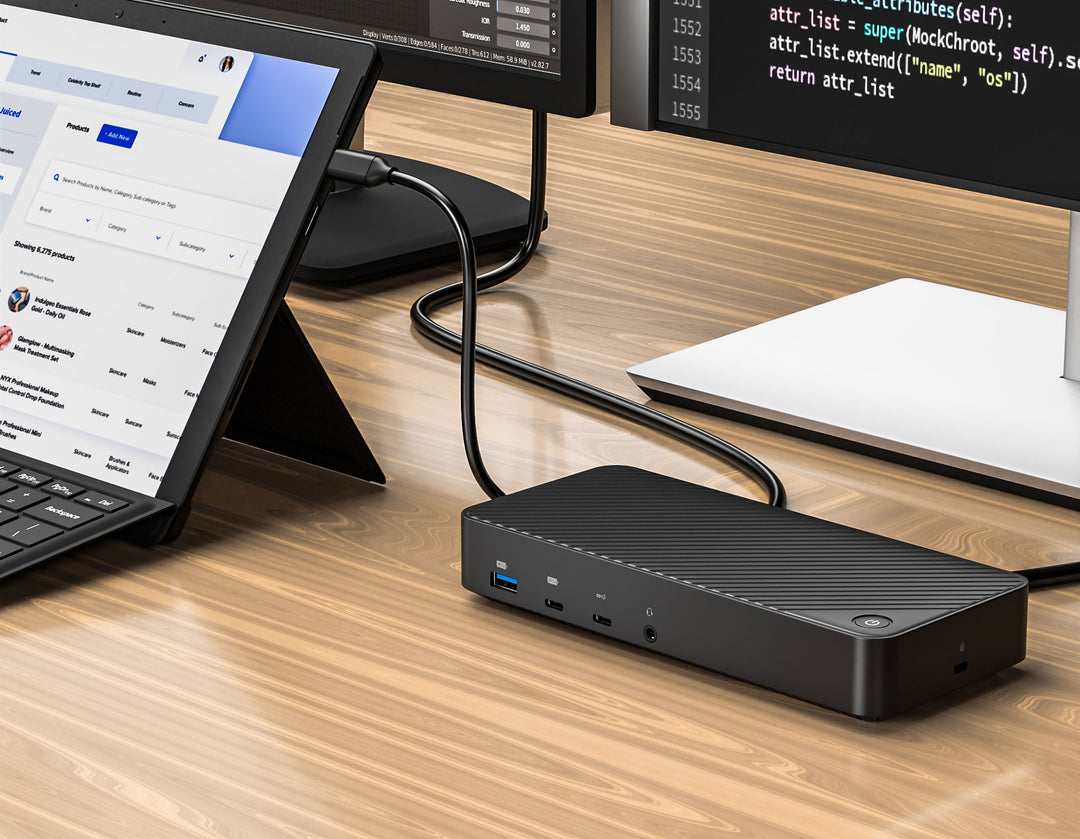
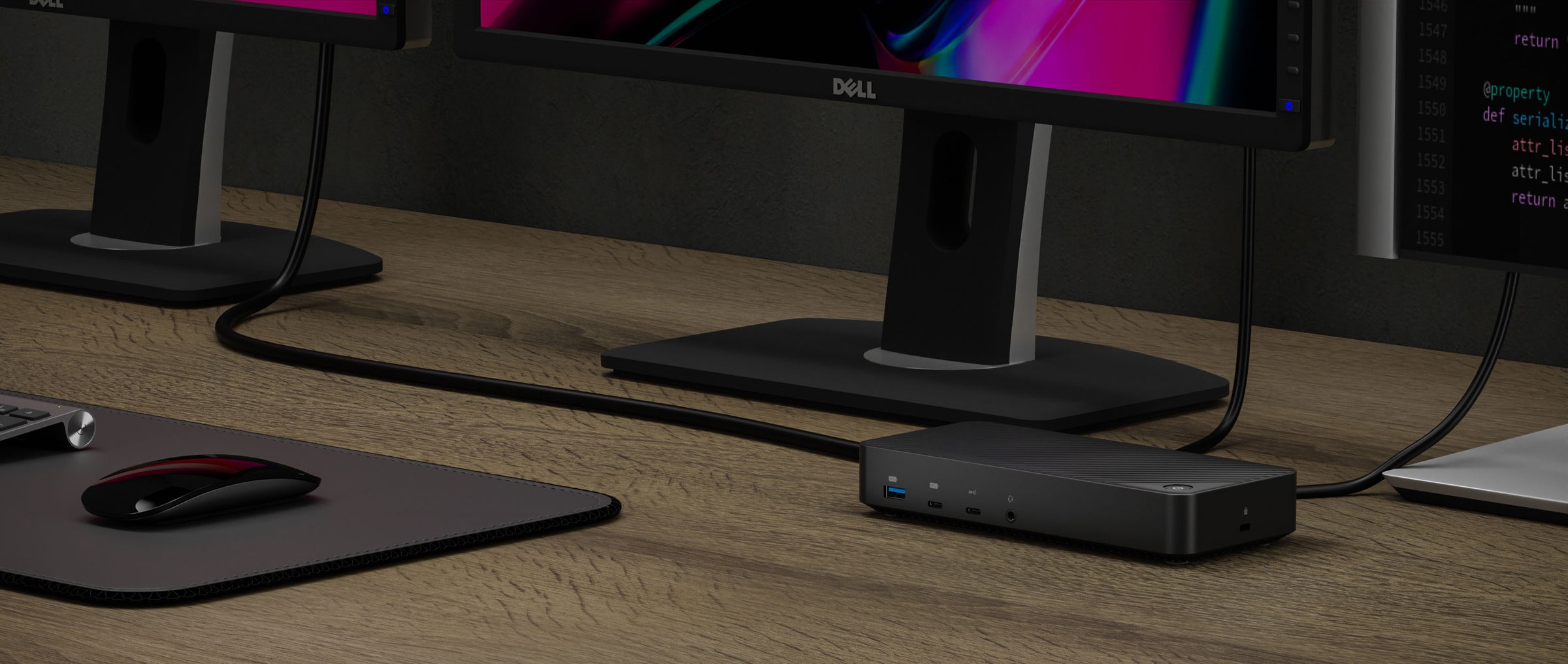
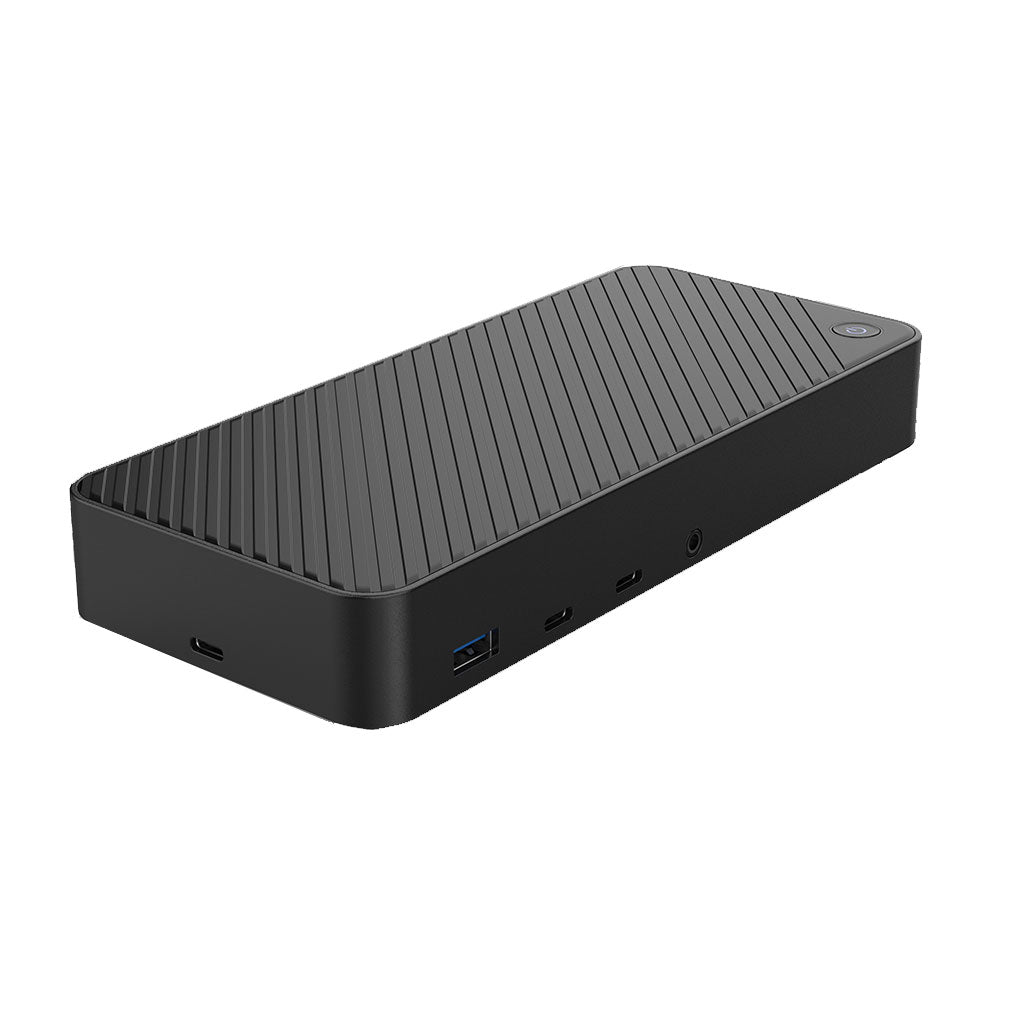
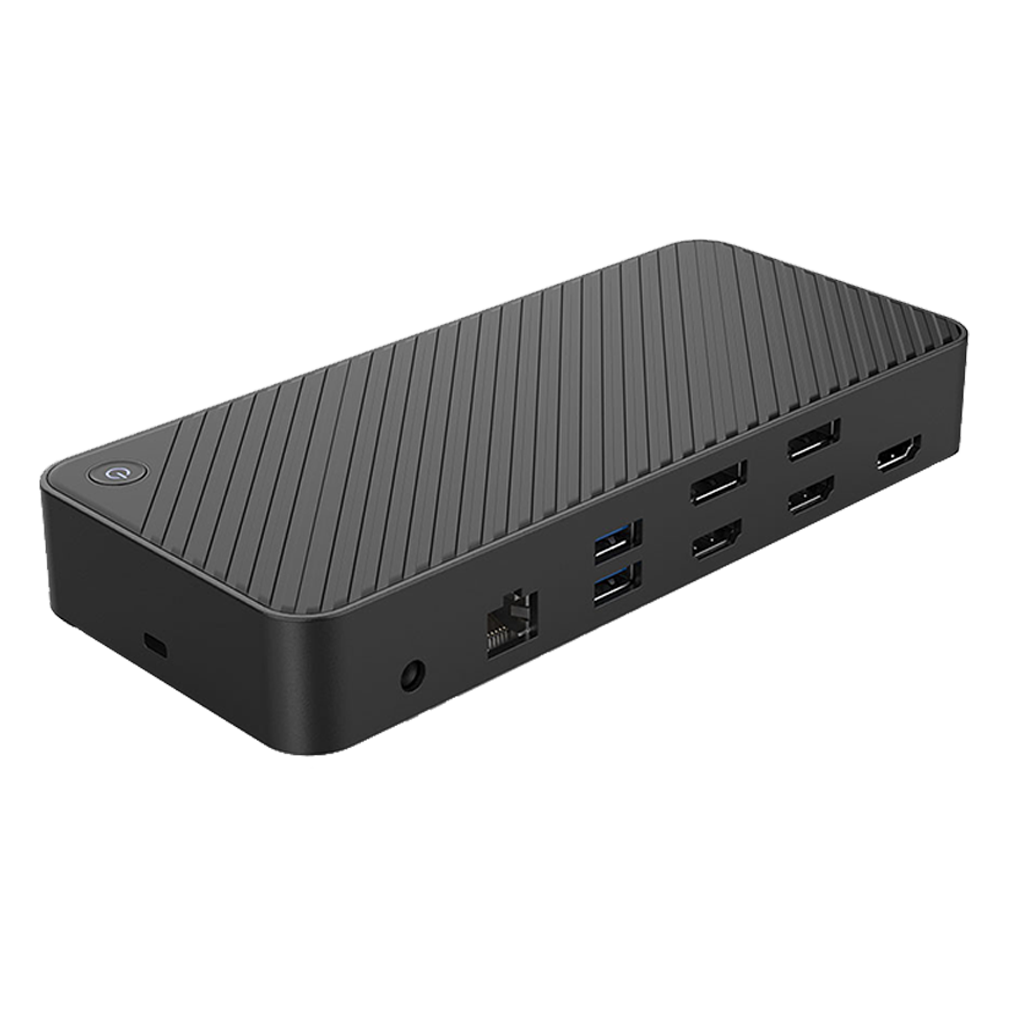
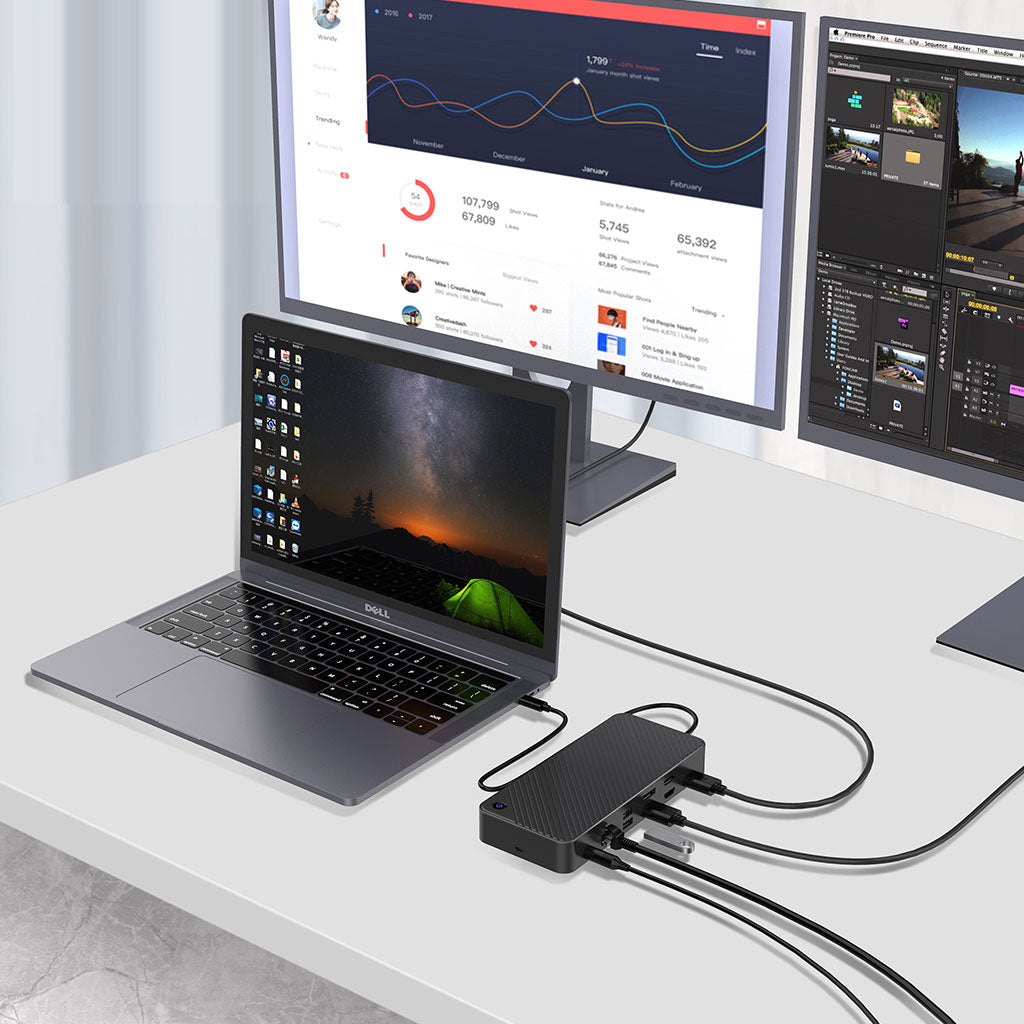
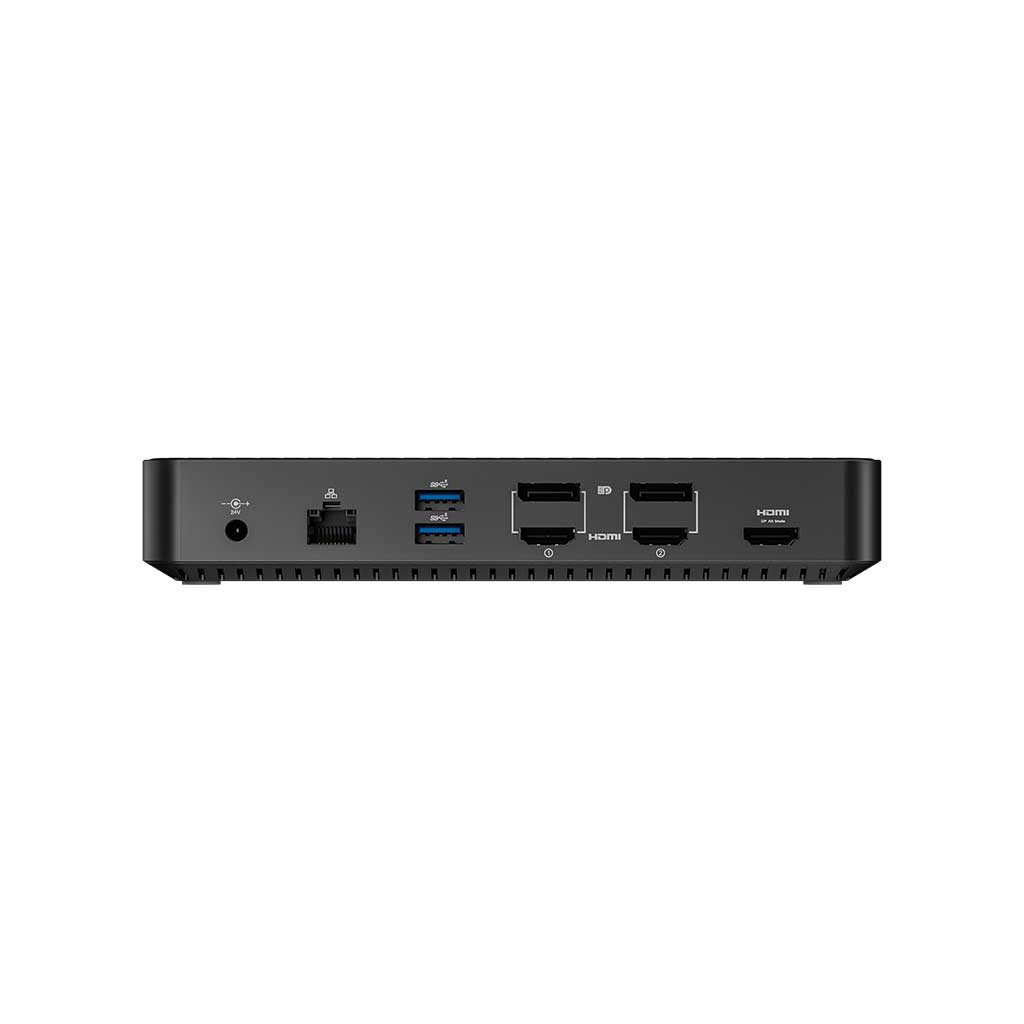
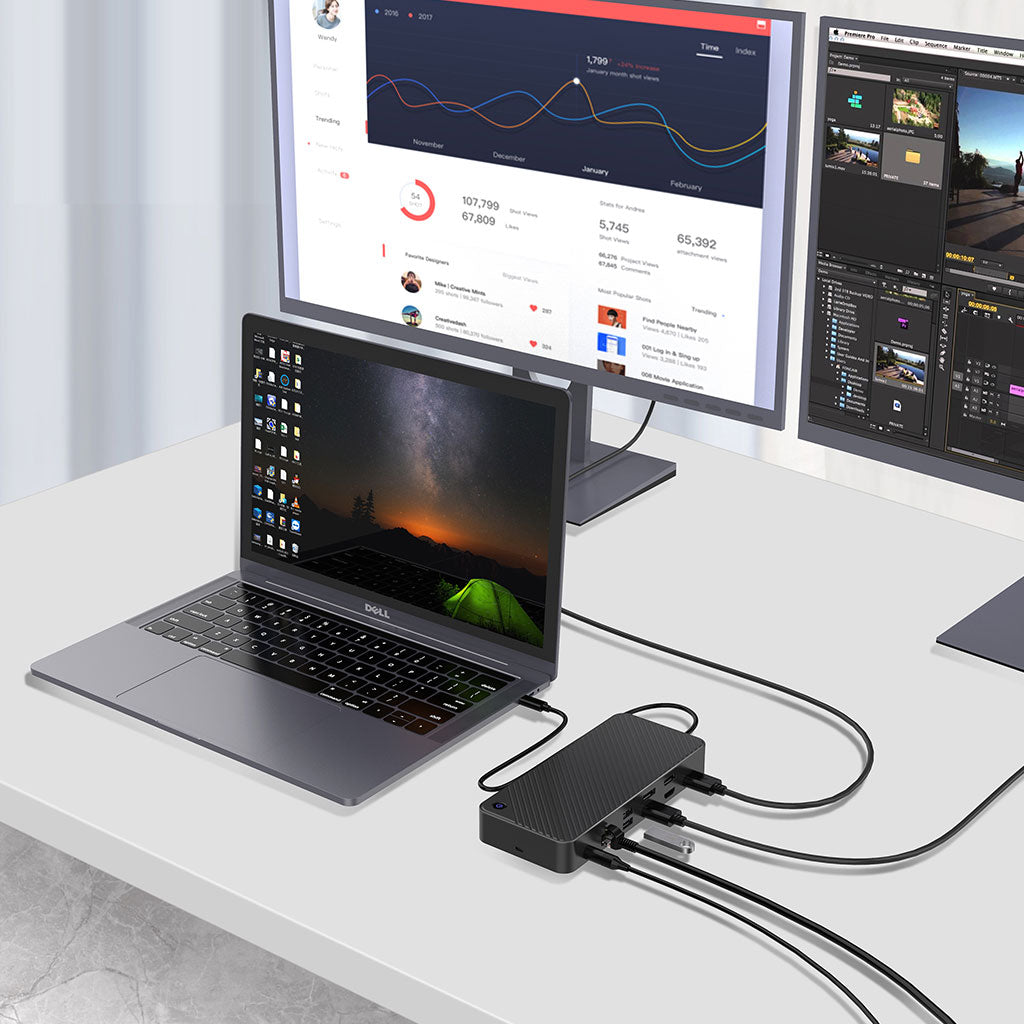
The Juiced Systems OctaneDOCK is a triple-display docking station built on DisplayLink technology — which means it drives three extended monitors on laptops that can't natively support multiple external displays, including Apple Silicon MacBook Air and base-model M1/M2 MacBook Pro 13". Connect via USB-C or USB-A, charge at 100 W, and run 2× HDMI + 2× DisplayPort + a third HDMI via DP alt mode.
Specifications
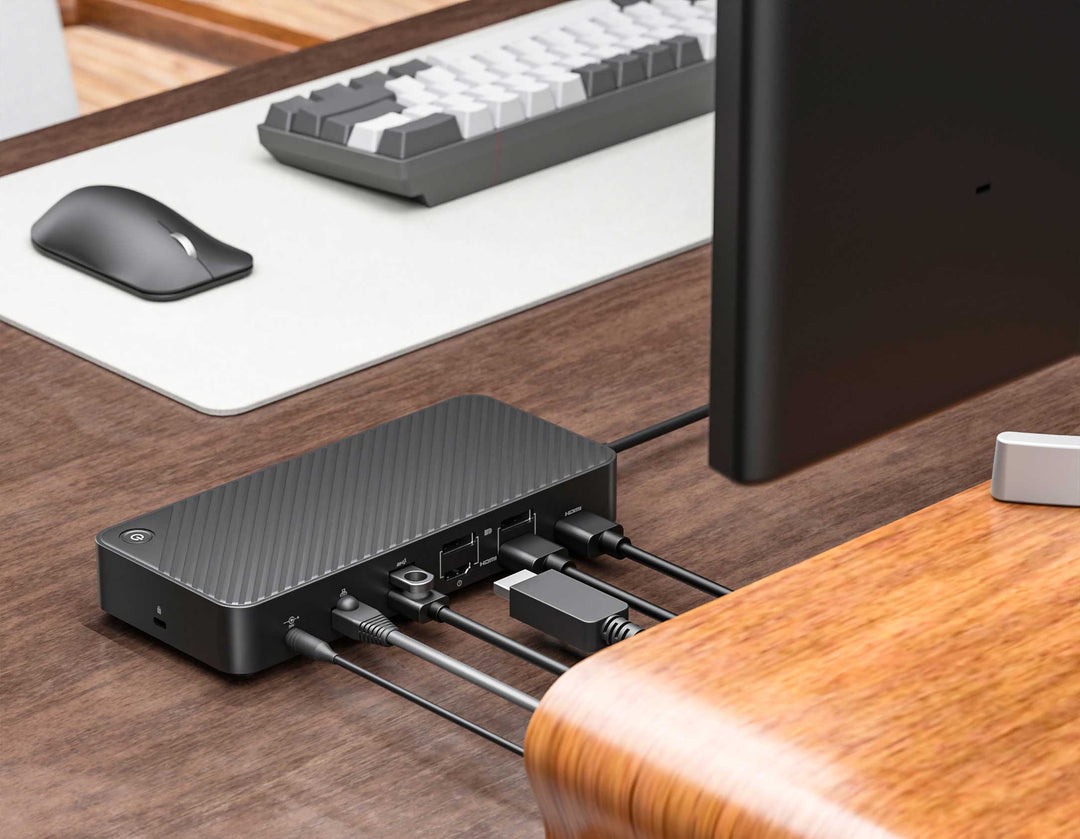
| Host interface | USB Type-C or USB Type-A |
|---|---|
| Display technology | DisplayLink (software-based, bypasses DP MST limitations) |
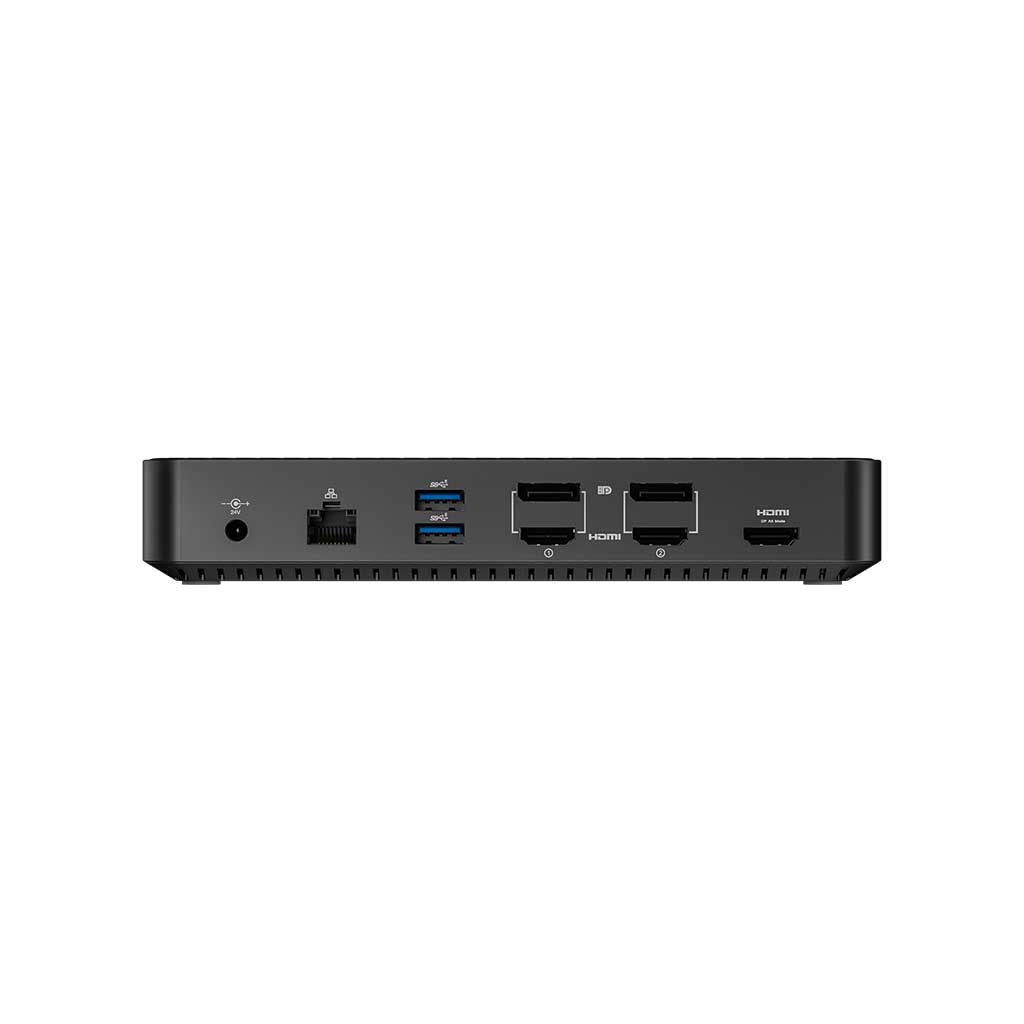
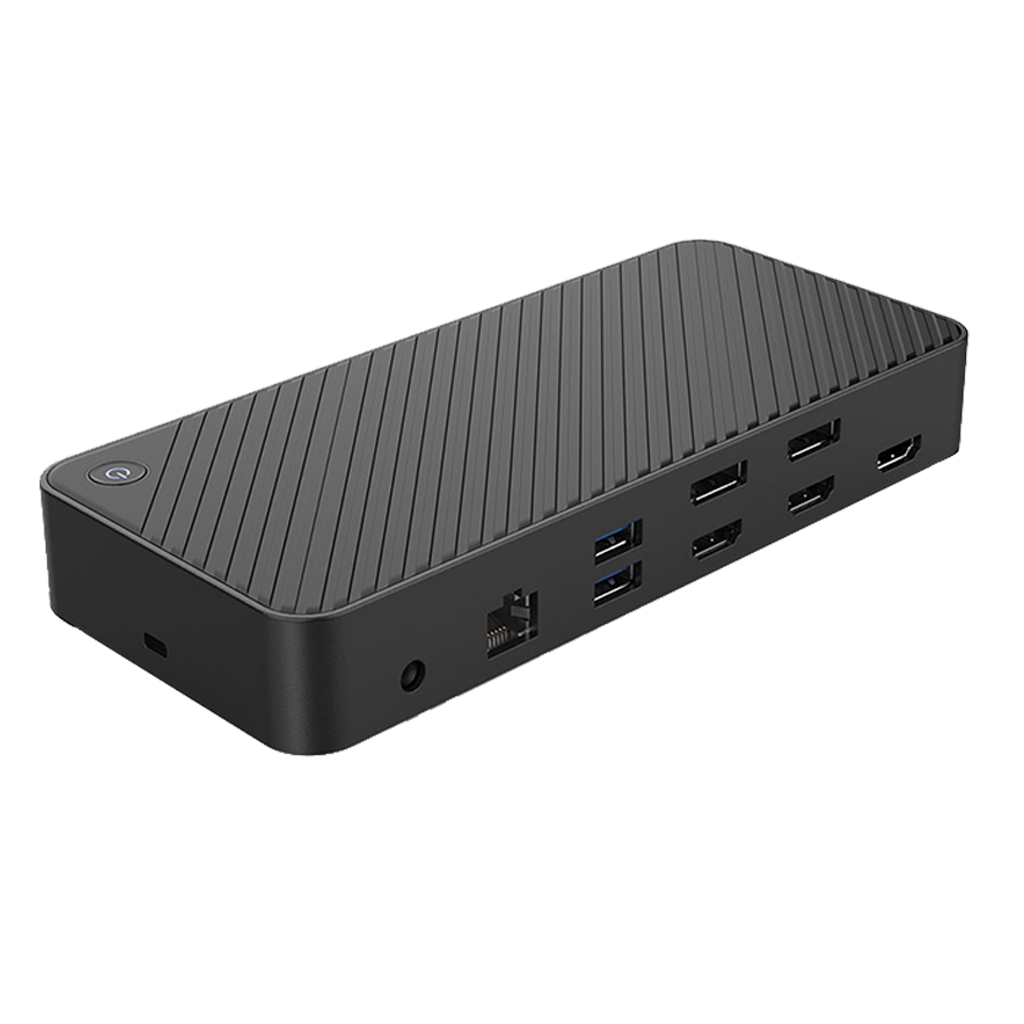
| HDMI 1 | 4K @ 60 Hz (3840 × 2160) |
| HDMI 2 | 4K @ 60 Hz (3840 × 2160) |
| HDMI 3 | 4K @ 30 Hz (3840 × 2160) — DisplayPort alt mode |
| DisplayPort 1 | 4K @ 60 Hz (3840 × 2160) |
| DisplayPort 2 | 4K @ 60 Hz (3840 × 2160) |
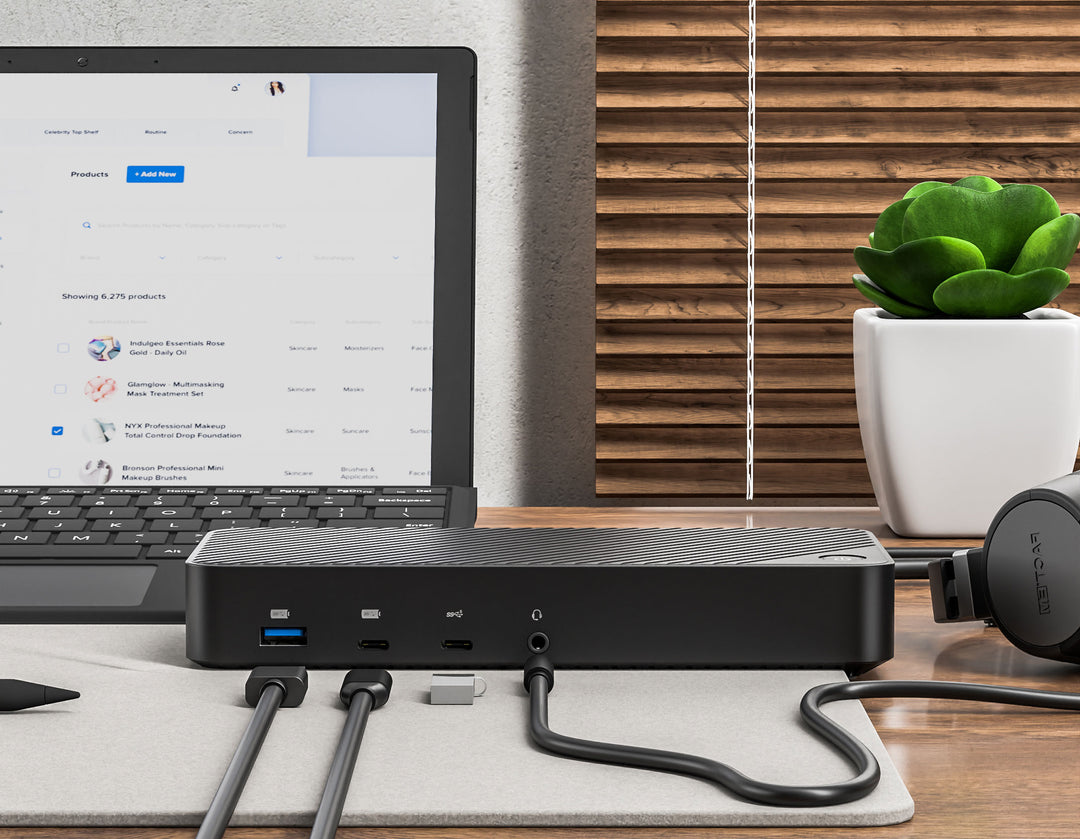
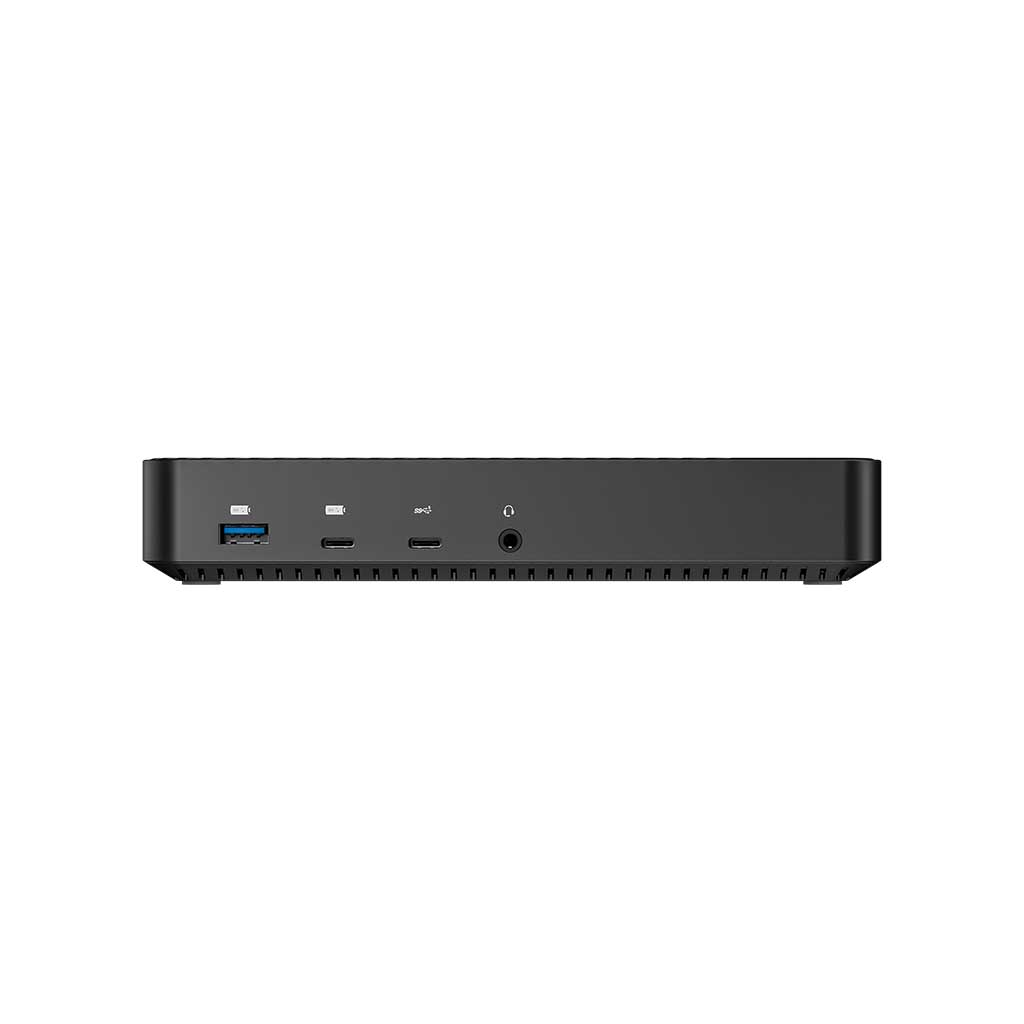
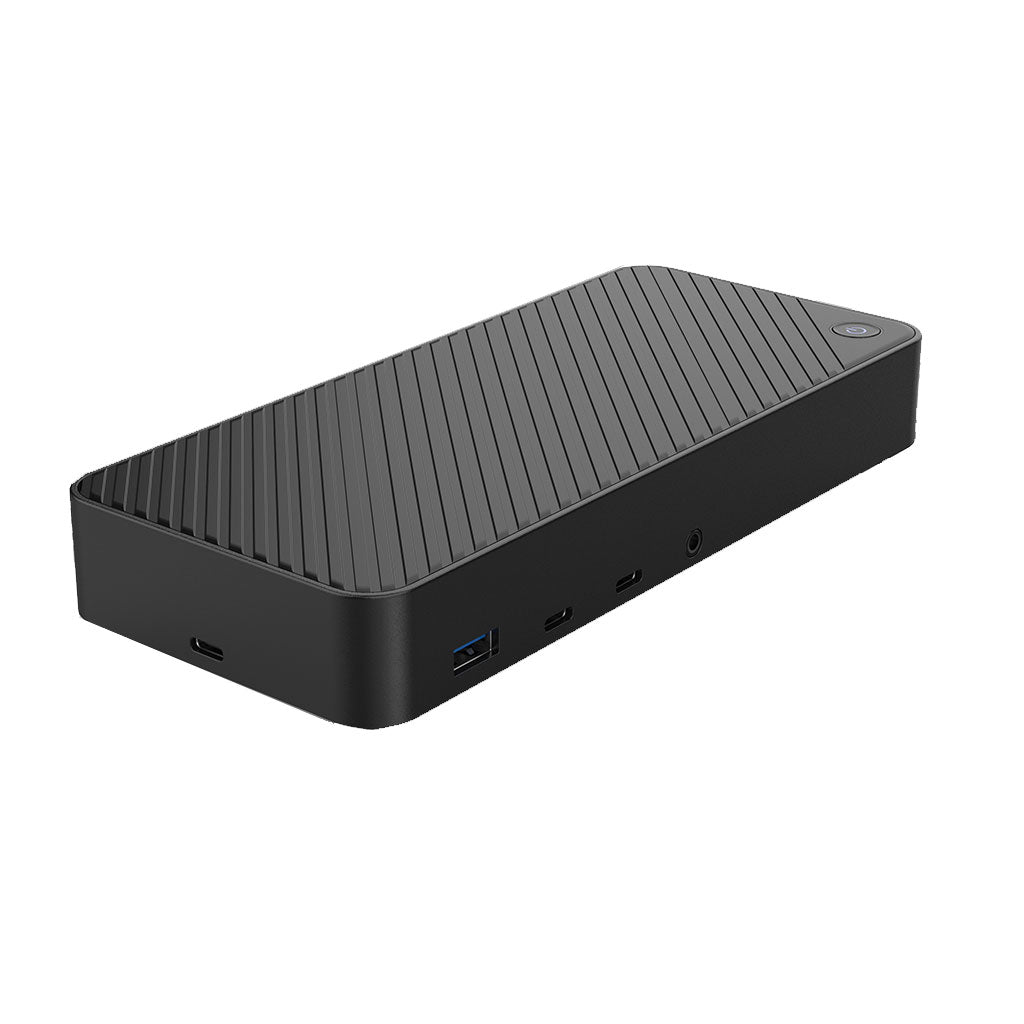
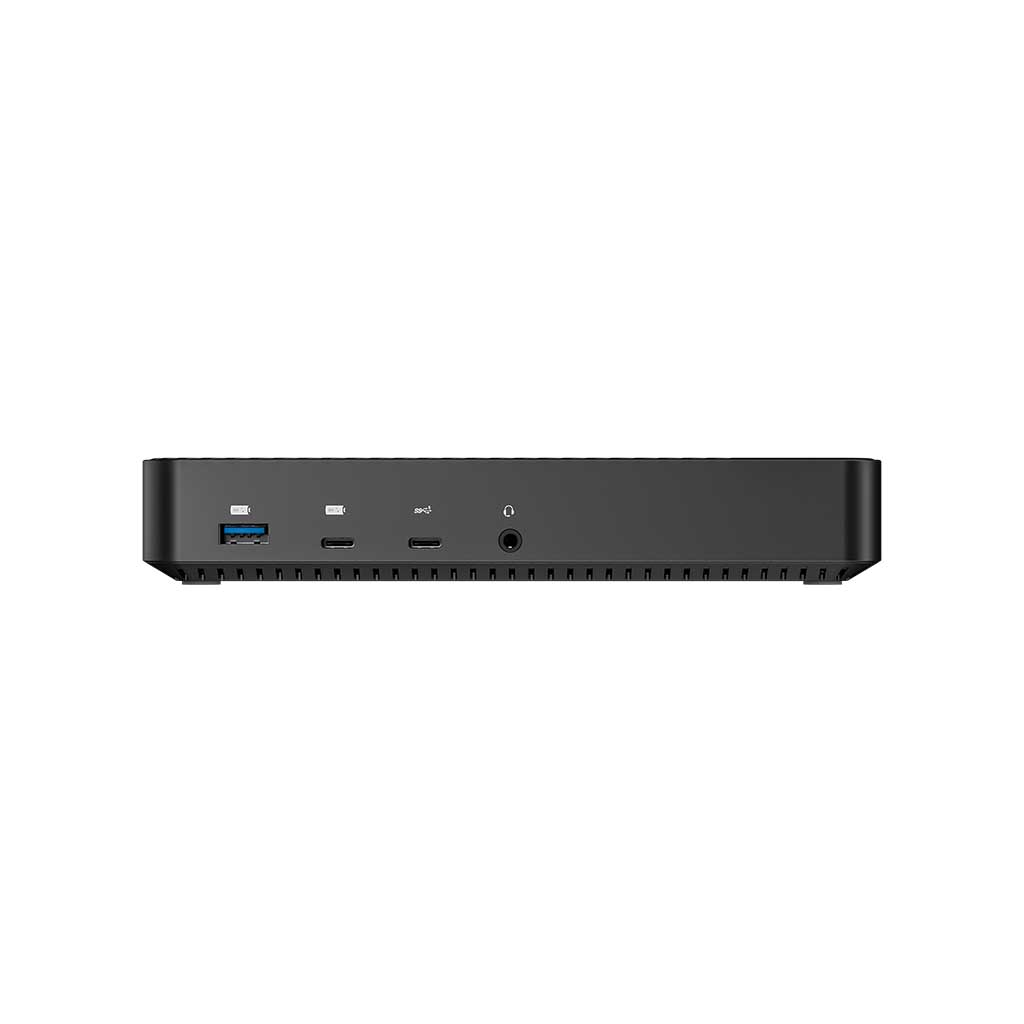
| USB-A front | 1 × USB-A 3.2 Gen 2 (10 Gbps) with BC 1.2 charging |
| USB-A back | 2 × USB-A 3.2 Gen 1 (5 Gbps) |
| USB-C front | 1 × USB-C 3.2 Gen 1 (5 Gbps) + 1 × USB-C 3.2 Gen 2 (10 Gbps, BC 1.2 charging) |
| USB-C host | 1 × USB-C (side) host connection |
| Ethernet | Gigabit (10 / 100 / 1000) |
| Audio | 3.5 mm AUX + microphone |
| Security | Kensington Lock slot (side) |
| Power | 130 W total (24 V / 5.4 A external PSU), 100 W pass-through to laptop |
| Dimensions | 185 × 84 × 33 mm |
| Warranty | 1-year Juiced Systems limited warranty |
Key Features
- DisplayLink triple display — unlike MST-based docks, DisplayLink works on laptops that natively support only a single external display. The M1/M2/M3 MacBook Air and base MacBook Pro 13" can run three external monitors with this dock (after installing the free DisplayLink driver).
- Five total video outputs — 3× HDMI (2× 4K@60Hz + 1× 4K@30Hz) and 2× DisplayPort (4K@60Hz each) — connect any mix of three displays.
- 100 W USB-C Power Delivery — full-speed laptop charging with a 130 W external PSU behind it (plenty of headroom for connected peripherals).
- BC 1.2 fast-charging ports — dedicated USB-A 10 Gbps and USB-C 10 Gbps front ports with BC 1.2 support for phones and tablets.
- Gigabit Ethernet + AUX + Kensington lock — everything a permanent desk setup needs.
- USB-C or USB-A host — connects to laptops or desktops regardless of which port type you have.
Compatibility
- MacBook Air M1 / M2 / M3 — triple display via DisplayLink (requires free driver)
- Base MacBook Pro 13" M1 / M2 — triple display via DisplayLink
- MacBook Pro 14" / 16" — triple display natively (also supported by DisplayLink)
- Microsoft Surface Laptop 3/4/5/6, Surface Pro 7+, Surface Book 3
- Windows 10 / 11 laptops and desktops with USB-C or USB-A
What's in the Box
- 1 × OctaneDOCK Triple DisplayLink Docking Station
- 1 × 130 W external power supply (24 V / 5.4 A)
- 1 × USB-C host cable
- 1 × product guide
- 1-year limited warranty
Who It's For
- M1 / M2 / M3 MacBook Air owners who need a multi-monitor desktop setup and have been blocked by Apple's single-display limitation.
- Enterprise workstations needing a Kensington-lockable dock with triple display, wired Gigabit, and 100 W laptop charging.
- Cross-platform offices where the same dock needs to work on both USB-C and USB-A laptops.
Frequently Asked Questions
Will this dock give my M1/M2 MacBook Air triple displays?
Yes. The OctaneDOCK uses DisplayLink technology, which bypasses Apple Silicon's single-external-display limitation. After installing the free DisplayLink driver from synaptics.com, you can run three external monitors on a MacBook Air M1, M2, or M3.
Do I need to install a driver?
Yes — DisplayLink requires the free Synaptics DisplayLink driver on macOS and Windows. Installation takes less than a minute. Linux drivers are available but support varies.
How many displays can I connect at once?
Up to three extended displays at a time, selected from the 2× HDMI (4K@60Hz), 1× HDMI (4K@30Hz), and 2× DP (4K@60Hz) outputs.
What's the power supply rating?
130 W total (24 V / 5.4 A external PSU), with up to 100 W of that passed through to your laptop for full-speed charging. The remaining headroom powers the connected peripherals and BC 1.2 fast-charging ports.
Need a smaller dual-display adapter instead of a full dock? See the BizHUB XD (Dual 4K HDMI). Need 4K @ 60 Hz with Gigabit Ethernet in a compact hub? See the NovaHUB. Browse all docking stations.
Free standard domestic shipping for all orders. Low cost international shipping available. We ship worldwide.