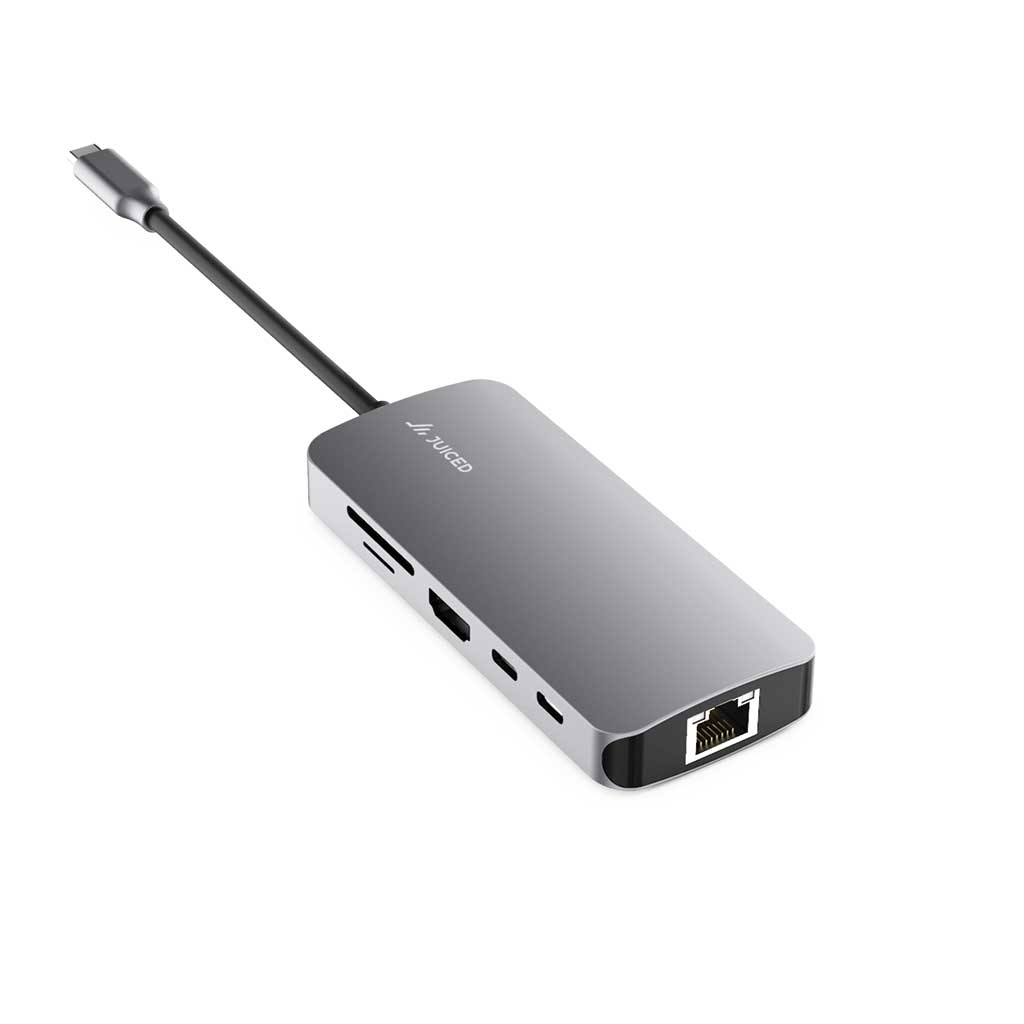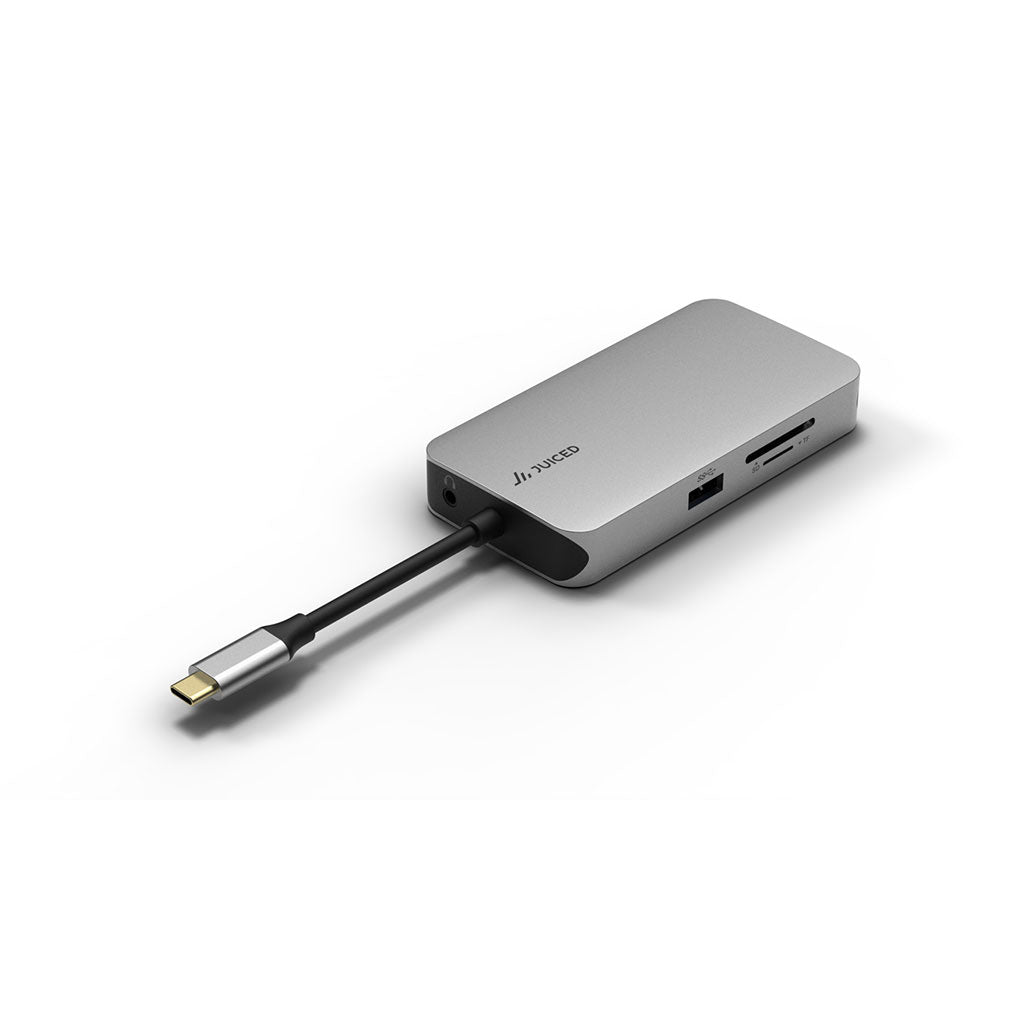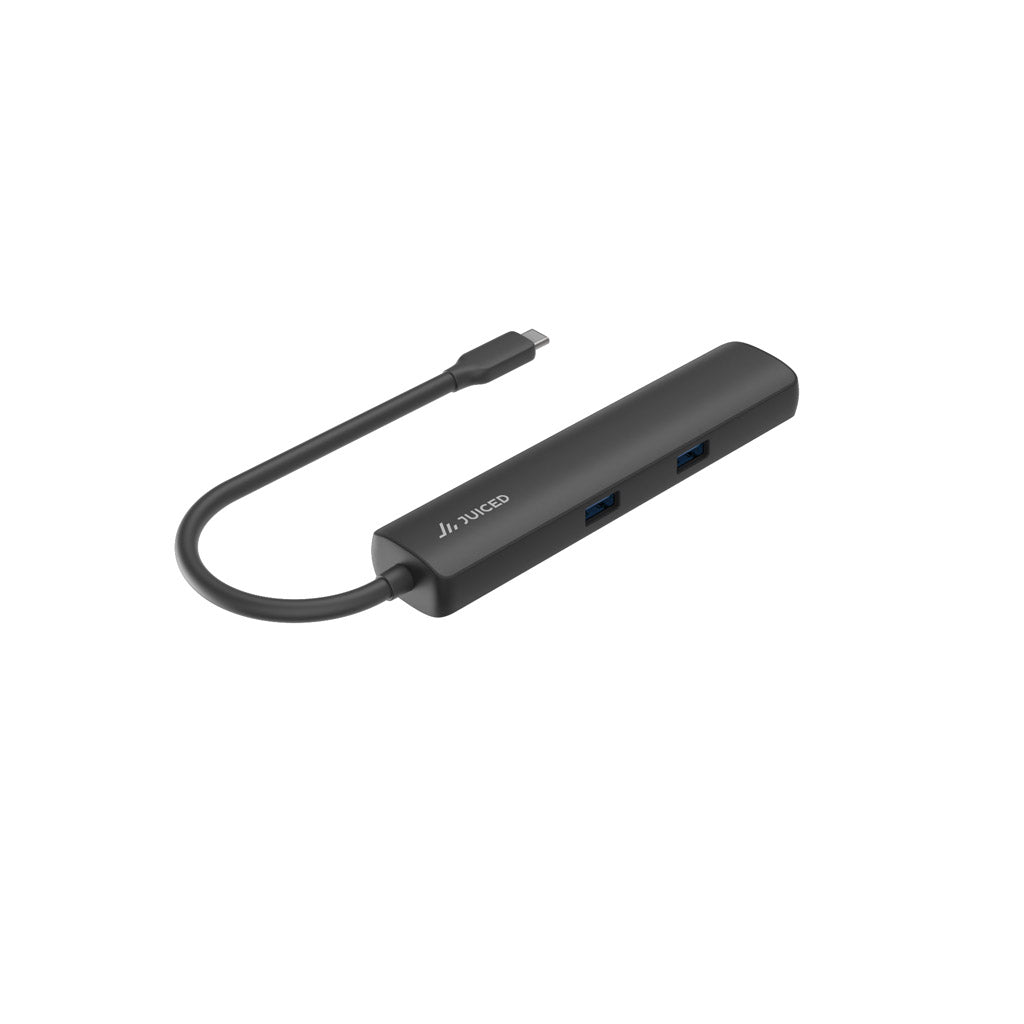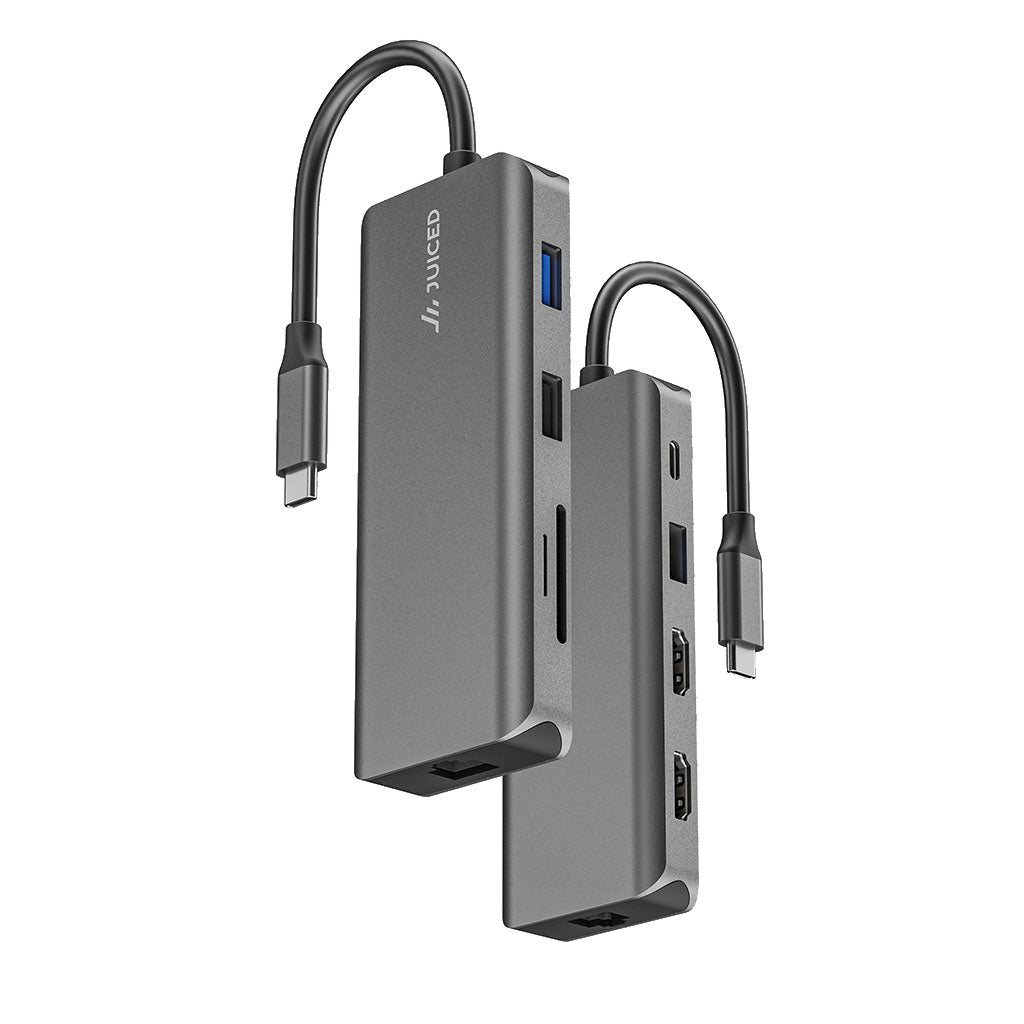
USB-C Hubs & Multiport Adapters
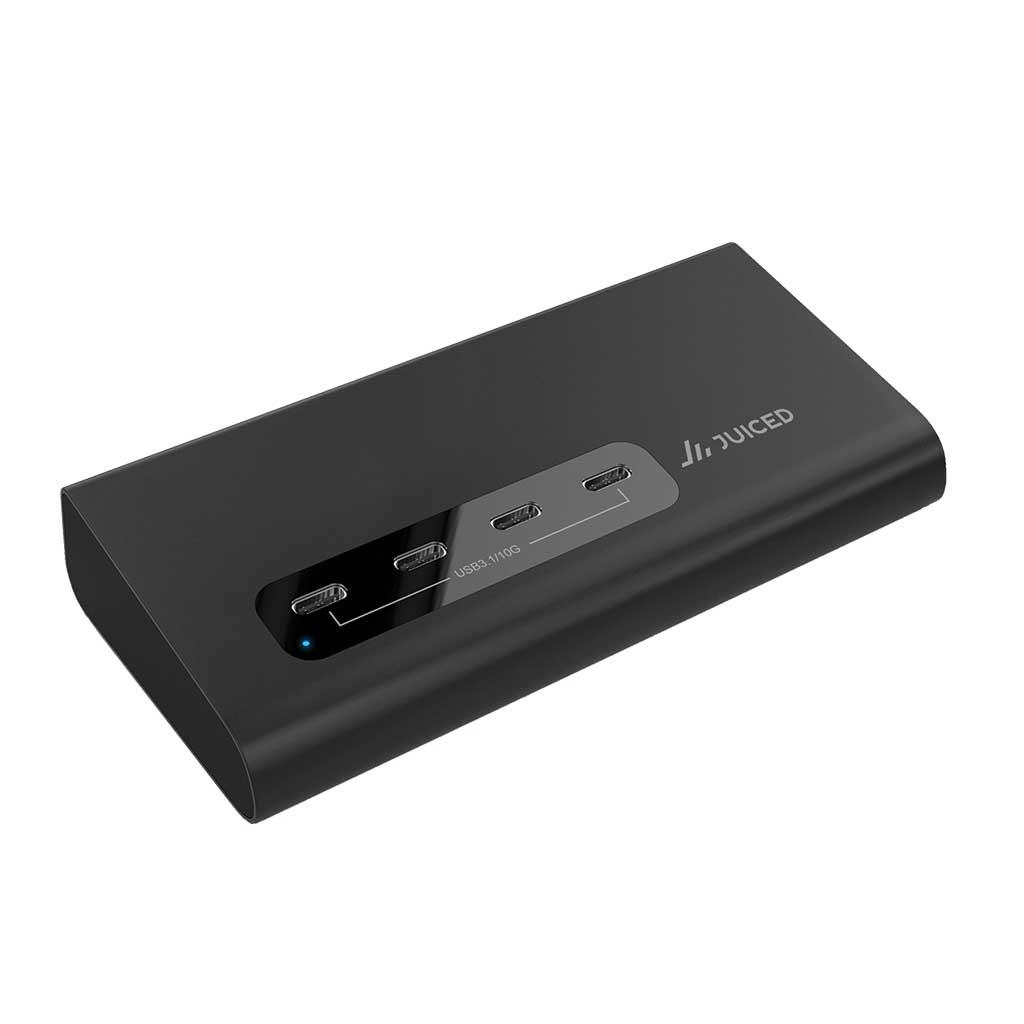
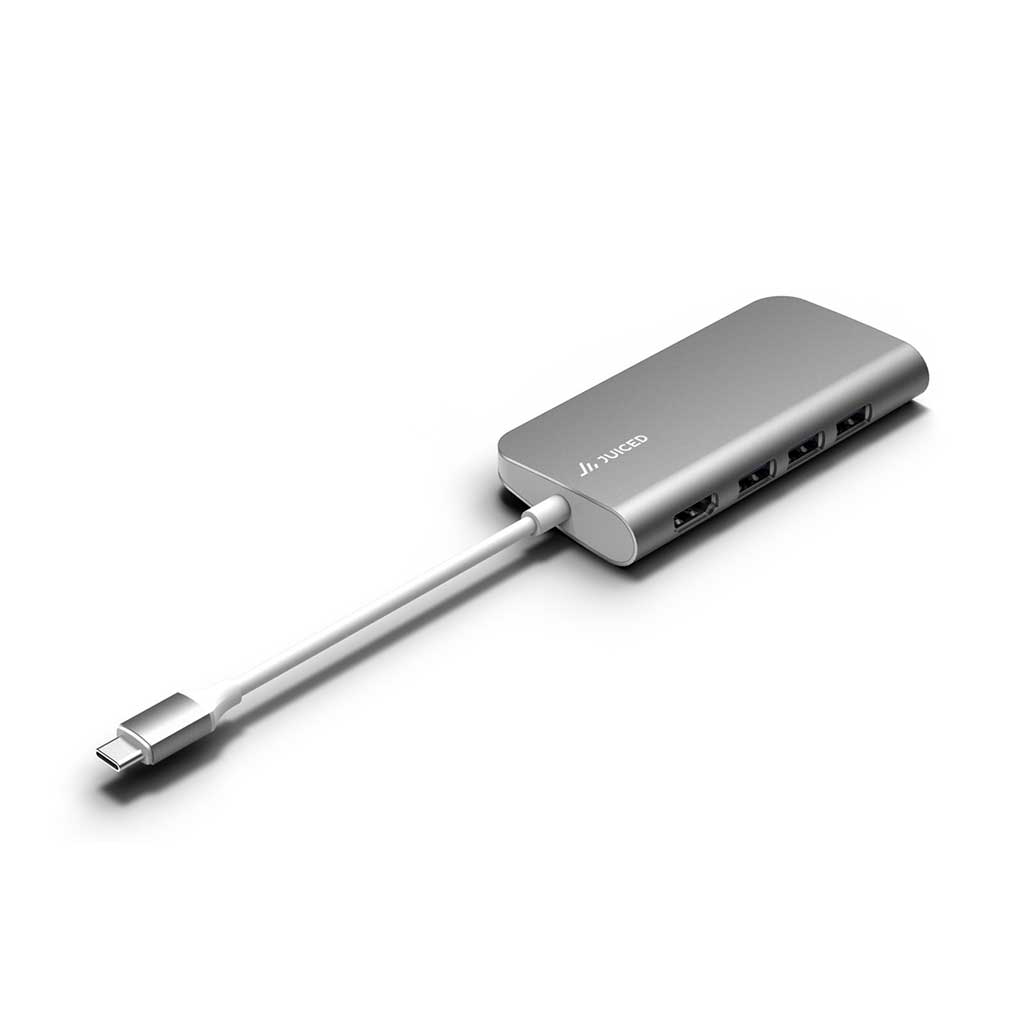
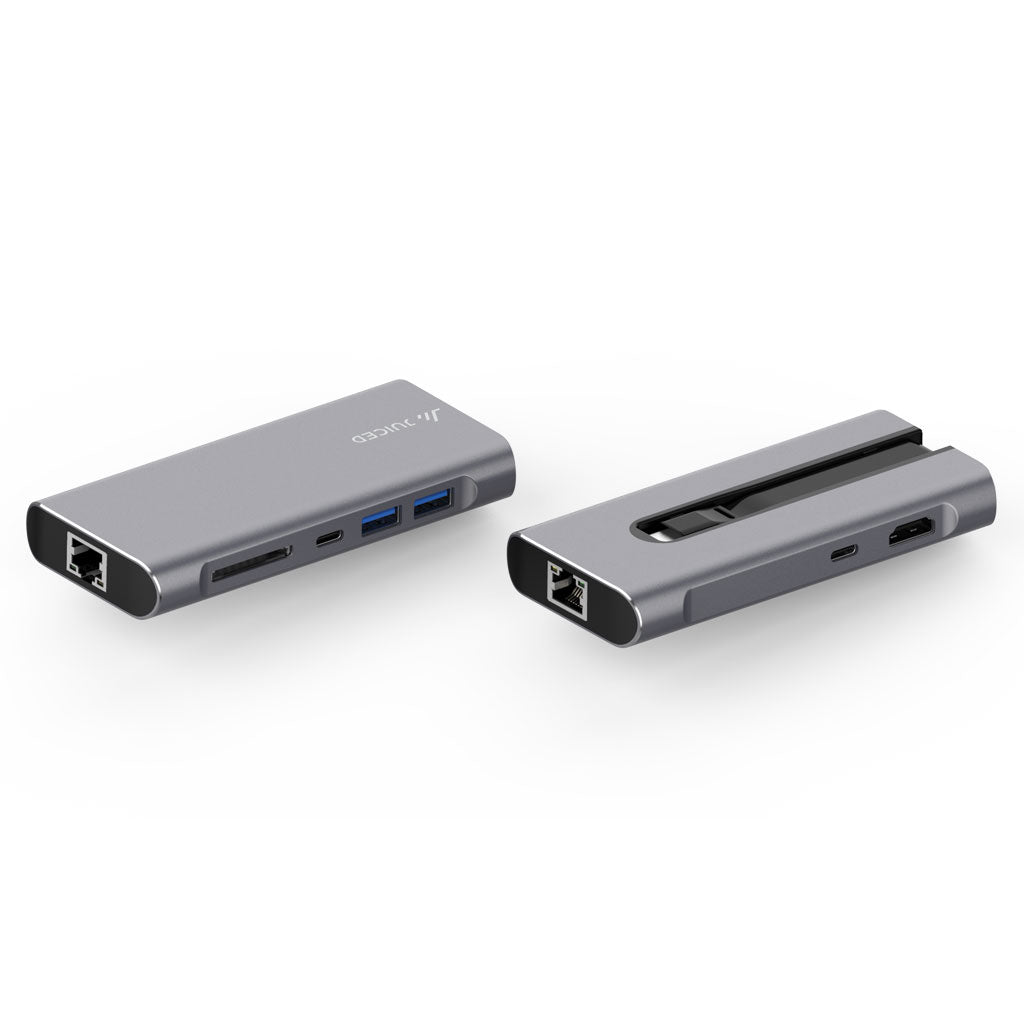
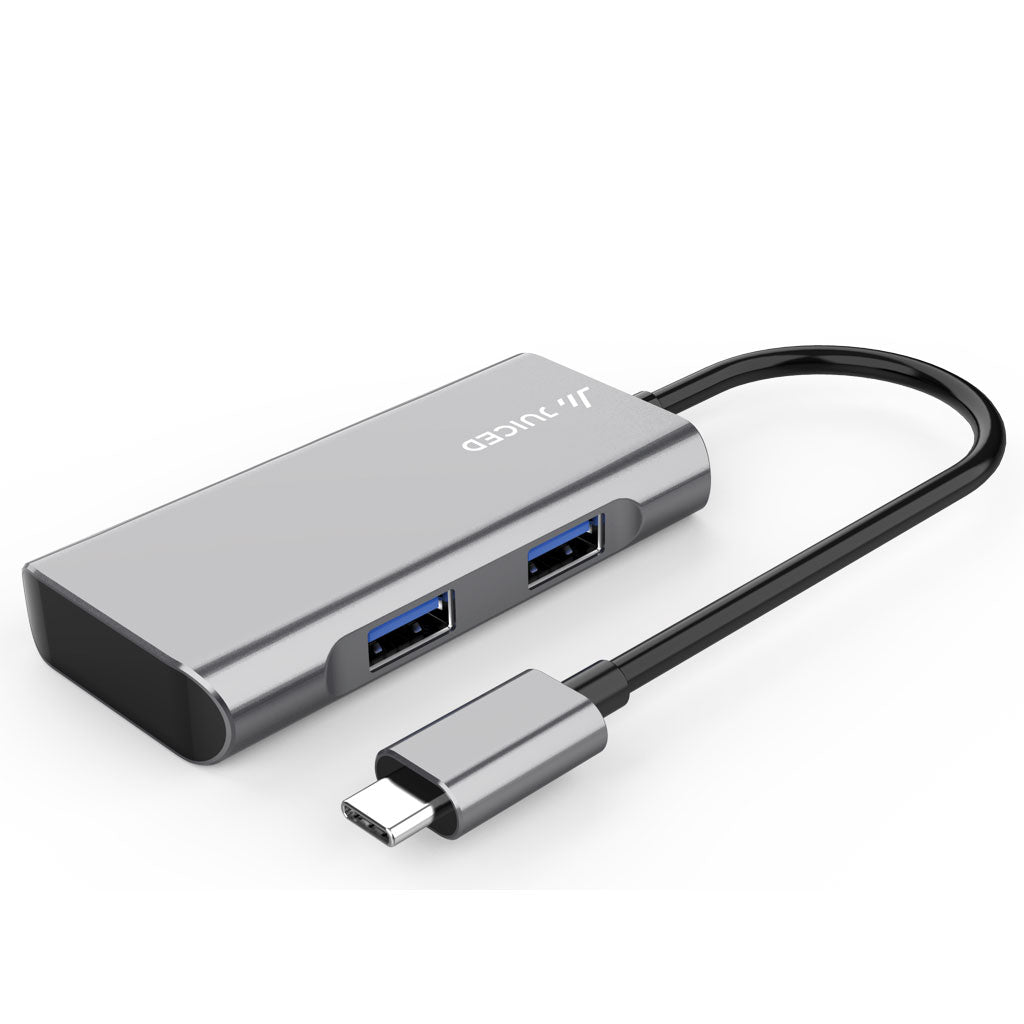
Shop our full lineup of USB-C hubs for MacBook, iPad, Surface, and Windows laptops — 4K HDMI, Gigabit Ethernet, SD card readers, and up to 100W Power Delivery in a single port.
How to choose a USB-C hub
The right hub depends on what you connect and how you work:
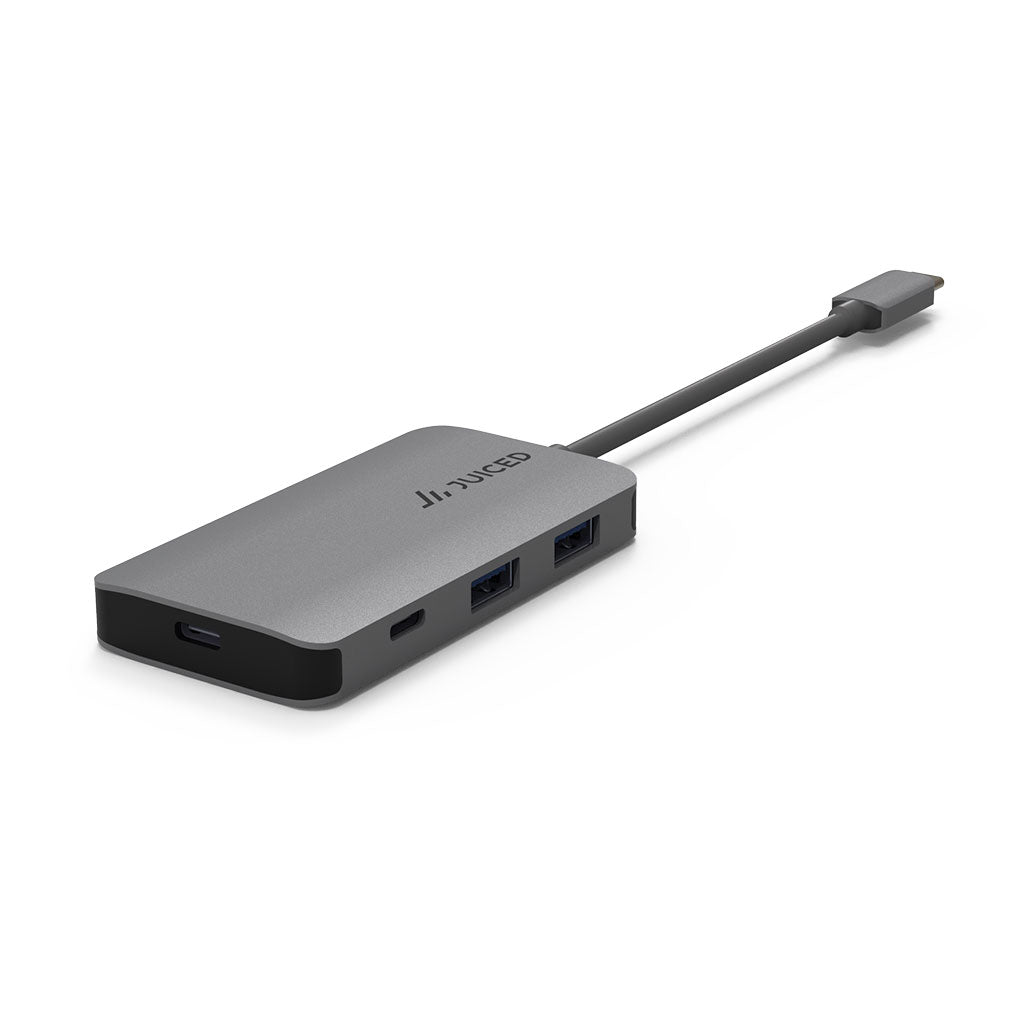
- For MacBook Pro and MacBook Air — look for at least 4K HDMI and 87W or higher Power Delivery so the hub doesn't slow charging. Our UltraHUB is the slim, single-cable option; the 6-Port USB-C Adapter adds extra USB-A for legacy peripherals.
- For iPad Pro and iPad Air (USB-C) — any of our USB-C hubs work; the slim multiport adapters travel best.
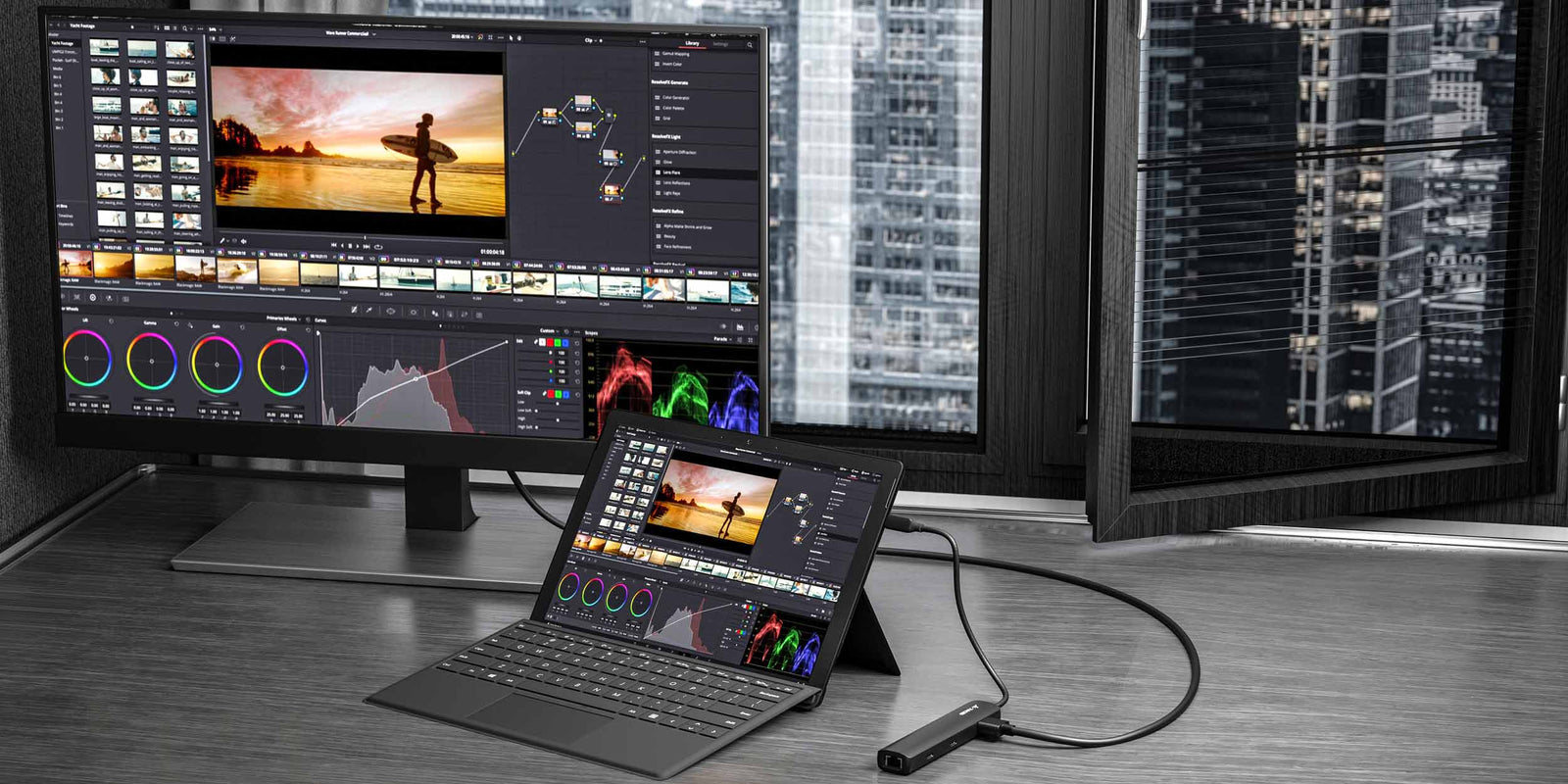
- For Surface and Windows laptops — look for USB-C DP Alt Mode support on the host laptop. If you need wired Ethernet on a non-USB-C Surface, see the Surface Ethernet Adapter.
- For multi-monitor setups — choose a docking-station-class hub or one of our DisplayLink-backed docks. See the DisplayPort versions guide for what bandwidth you need.
USB-C hub features explained
Power Delivery (PD) pass-through: Lets you charge the laptop through the hub. Look for at least 60W for MacBook Air, 87W for the 13/15" MacBook Pro, and 96W+ for the 16" MacBook Pro under heavy load.
4K HDMI: Most current hubs output 4K @ 30Hz over HDMI 2.0. For 4K @ 60Hz you'll need a hub that explicitly states 60Hz support.
Gigabit Ethernet: Adds a wired 1 Gbps RJ-45 port — far more reliable than Wi-Fi for video calls and large file transfers.
SD / microSD card readers: UHS-I is standard; UHS-II is faster but less common in compact hubs.
USB-A 3.0 ports: For mice, keyboards, drives, and any older peripherals that haven't moved to USB-C yet.